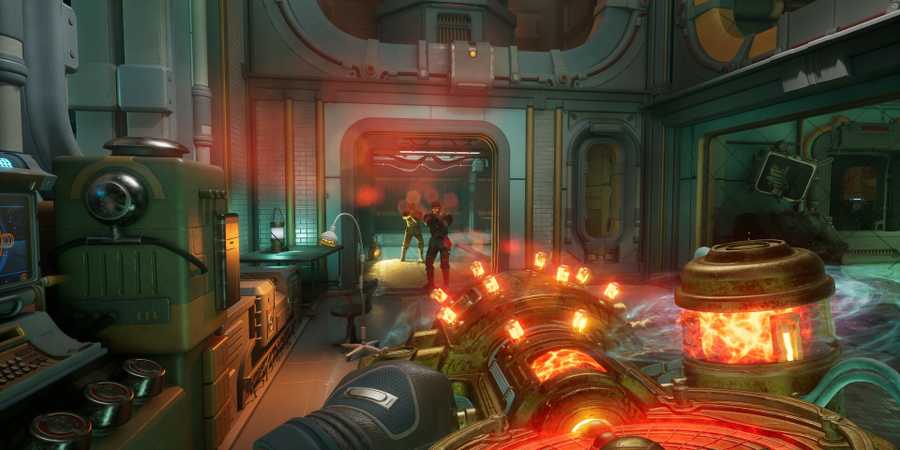
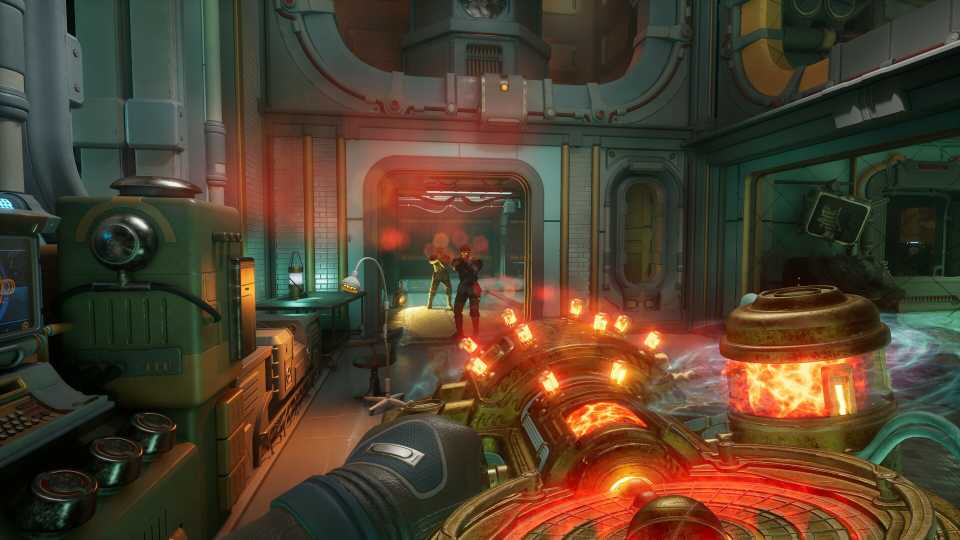
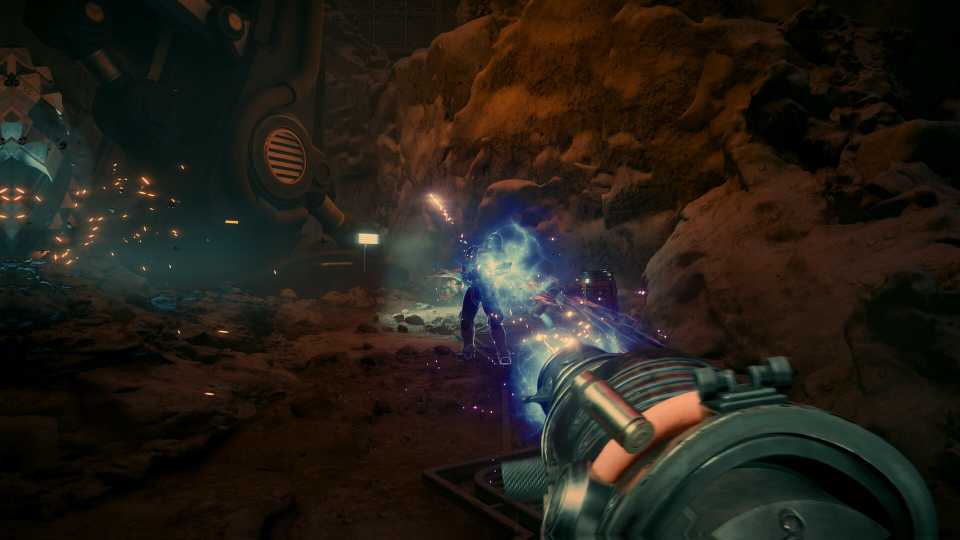
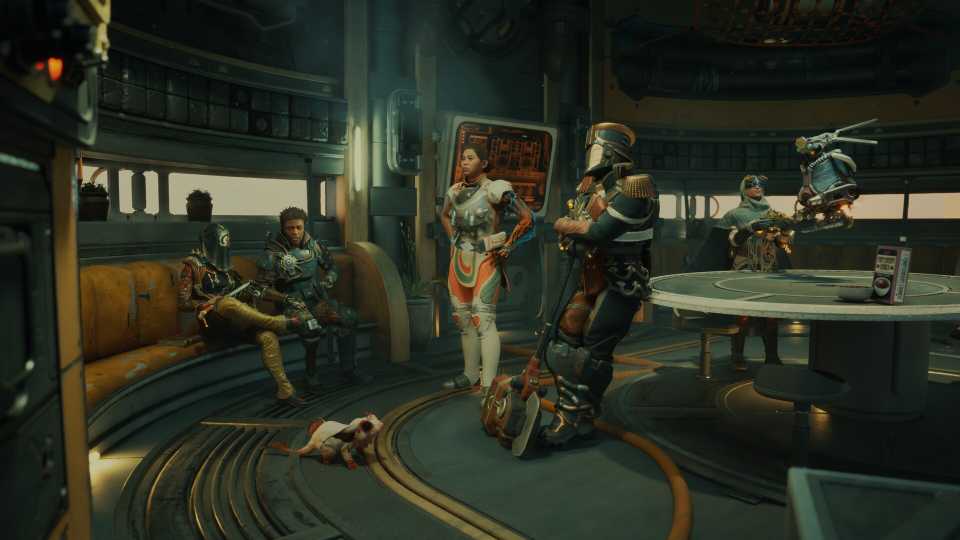
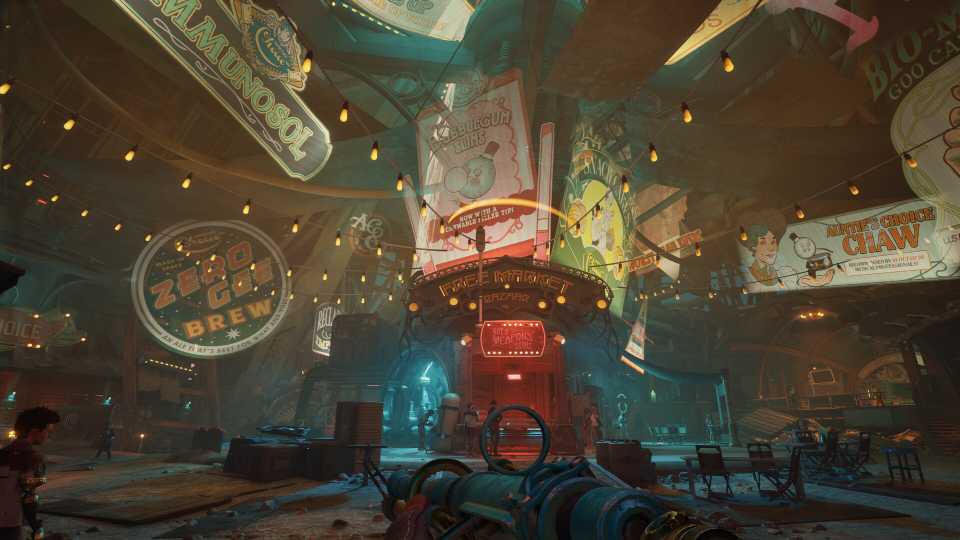
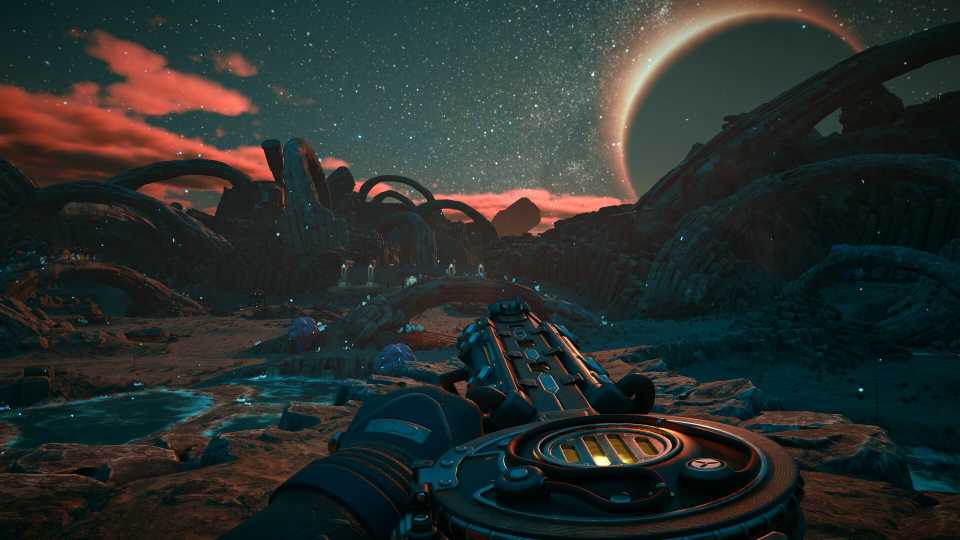
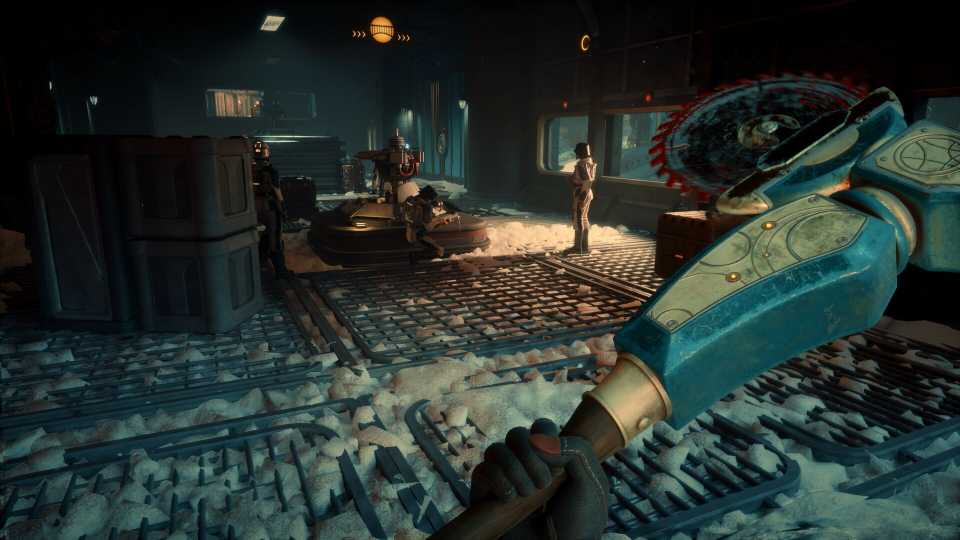
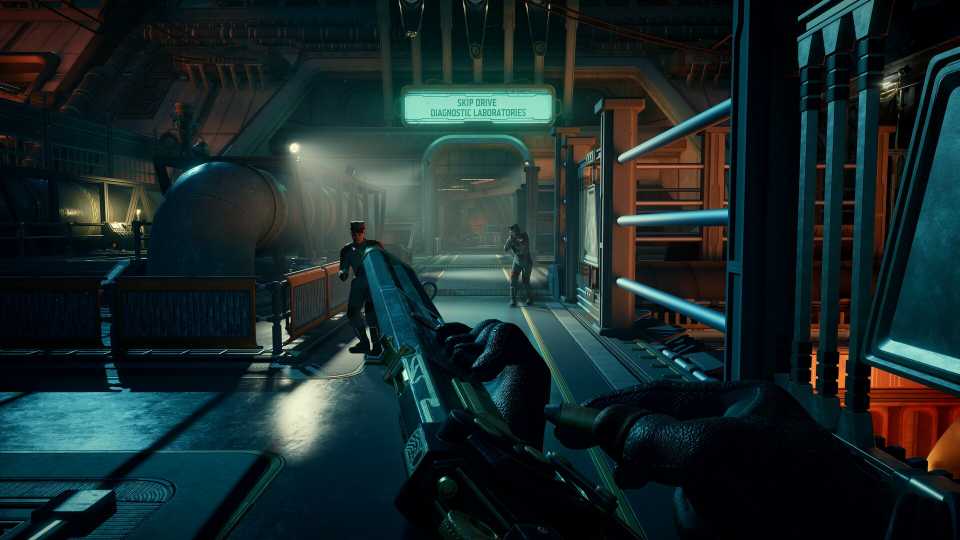
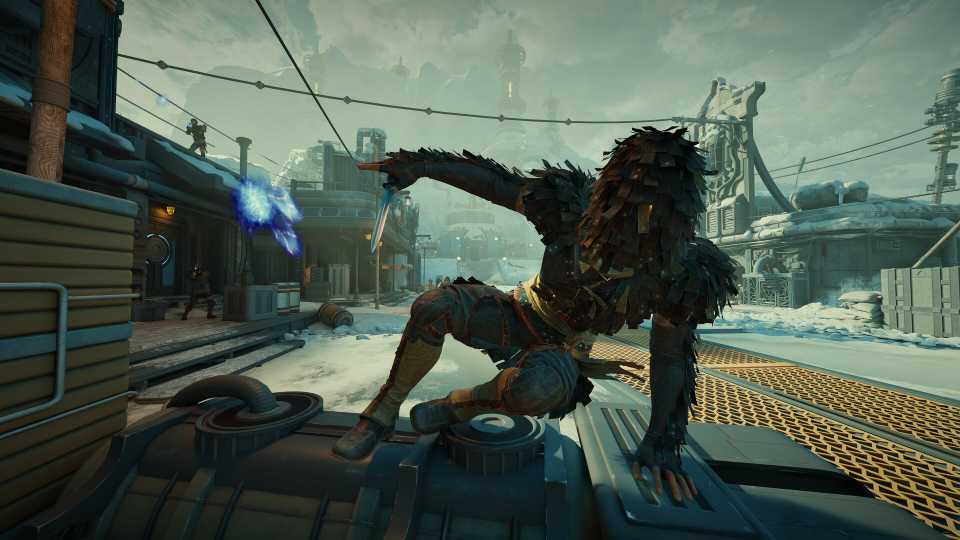
The current generation of consoles can deliver 4K resolutions and high framerates, but it's not often that they can deliver both together. This is the case with The Outer Worlds 2, and so to give players the choice of how their game runs, developer Obsidian has included a 'Visual Mode' setting. But just what output are you getting on each visual mode on your console? In this guide, I'll break down all the visual modes in The Outer Worlds 2 for PS5, PS5 Pro, Xbox Series X, and Xbox Series S to help you make the best decision based on your preferences.

‘I Personally Want The Player to Understand Their Choices Are Permanent’: The Outer Worlds 2 Dev on Why Staple RPG Feature is Missing
The Outer Worlds 2's game director reveals why a staple RPG feature is missing from Obsidian's upcoming title.
All Visual Modes in The Outer Worlds 2, Explained

There are three different visual modes to choose from in The Outer Worlds 2: Performance, Quality, and Balanced. As is the case with a lot of games using these sorts of visual settings, quality mode favors a higher resolution at the expense of framerate, performance prioritizes high framerates, and balanced mode tries to find a healthy middle ground between the two.
In The Outer Worlds 2, this is what you're getting in each visual mode for each console.
|
Console |
Performance Mode |
Balanced |
Quality Mode |
|---|---|---|---|
|
Xbox Series X |
60 FPS | Dynamic Resolution (max 1280p, lows of 848p, upscales to 1800p) |
40 FPS | Dynamic resolution (max 1440p, lows of 1280p, upscales to 4K) |
30 FPS | Dynamic resolution (max 1600p, lows of 1440p, upscales to 4k) |
|
Xbox Series S |
Not supported |
40 FPS | Dynamic resolution (max 900p, lows 720p, upscales to 1440p) |
30 FPS | Dynamic resolution (max 1080p, lows 720p, upscales to 1440p) |
|
PS5 Pro |
60 FPS | 1620p resolution |
40 FPS | 4K resolution |
30 FPS | 4K resolution |
|
Base PS5 |
60 FPS | Targets 1080p resolution |
40 FPS | 4K resolution |
30 FPS | 4K resolution |
The PC version of The Outer Worlds 2 offers much greater customization of its visual and graphics settings, allowing players to really fine-tune their experience based on their hardware.
Which The Outer Worlds 2 Visual Mode Should You Use?
What do you prefer?
Unsurprisingly, the answer ultimately depends on your personal preferences. For those who need to have the absolute best visuals, you're going to want to play in quality mode. Whereas those who aren't as bothered about the finer details of the image but want the best framerate will want to choose performance mode.
In my experience, however, I'd recommend playing on Balanced mode. The 40 frames per second really helps smooth out the choppiness you otherwise get in Quality mode, while retaining a lot of the game's visual fidelity. That being said, while The Outer Worlds 2 is by no means an 'ugly' game, its visuals aren't winning any awards for photorealism either. As such, you can easily drop it down into performance mode on PS5 Pro and Xbox Series X and not feel like you're missing out.
What is surprising is how poorly the game seems to run on PlayStation consoles given their relative technical parity to their Xbox counterparts. The base PS5 is still no slouch when it comes to running games, and as I've noted above, The Outer Worlds 2 isn't pushing the limits of visual fidelity.


The Outer Worlds 2



-
 OpenCritic Reviews
- Top Critic Avg: 82 /100 Critics Rec: 87%
- Released
- October 29, 2025
- ESRB
- Mature 17+ / Intense Violence, Blood and Gore, Strong Language
- Developer(s)
- Obsidian Entertainment
- Publisher(s)
- Xbox Game Studios