


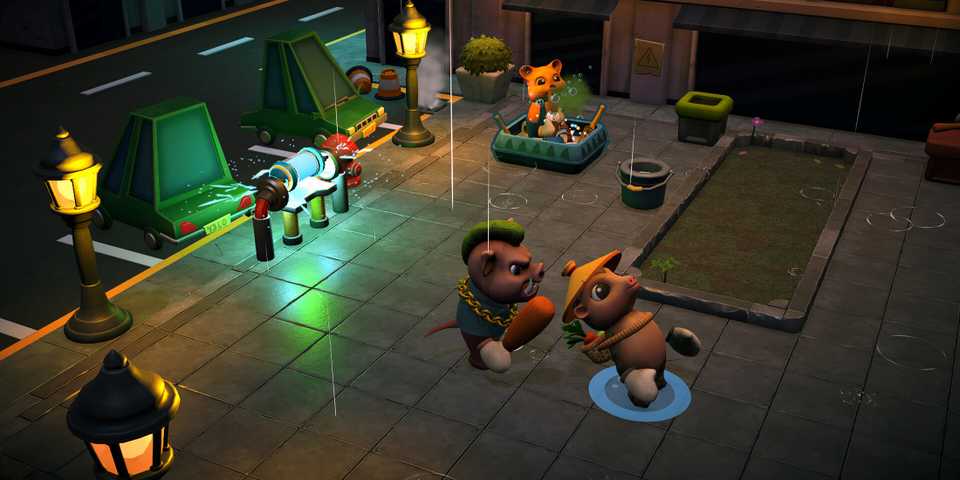
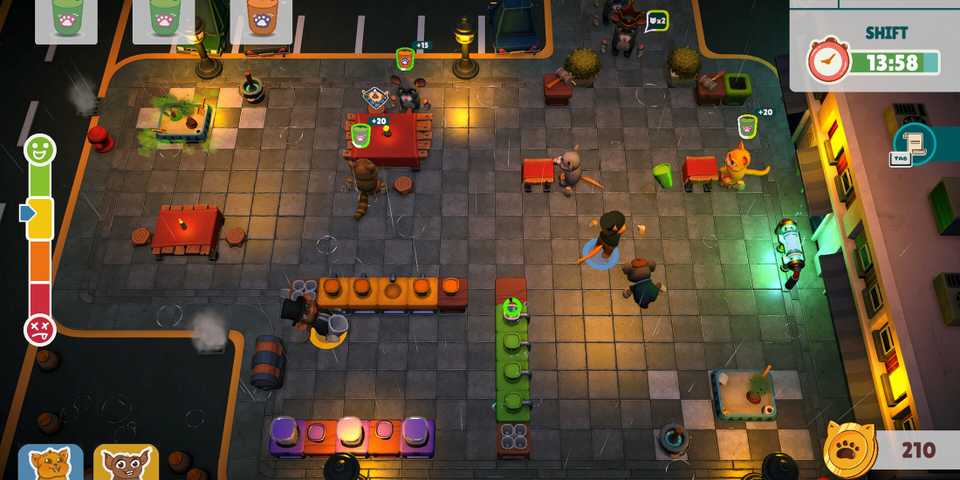
Party Club is a co-op restaurant management game that is reminiscent of titles such as Plate Up! And Overcooked. It is a 4-player experience, but you can play the game on your own as a single person as well, though you might find it quite difficult to run a restaurant on your own.
There are a few different characters that the player can play as in Party Club. These characters don't come with any unique power ups or abilities; they are only there to help differentiate between each player and add a little customizability to the game. For those with a preference, here's how to swap between characters in Party Club.

Immediately Immersive Indie Games
While finely-tuned mechanics and intricate gameplay systems can certainly drive a game forward, almost any title is made better through atmosphere.
How Many Characters Are Available in Party Club?
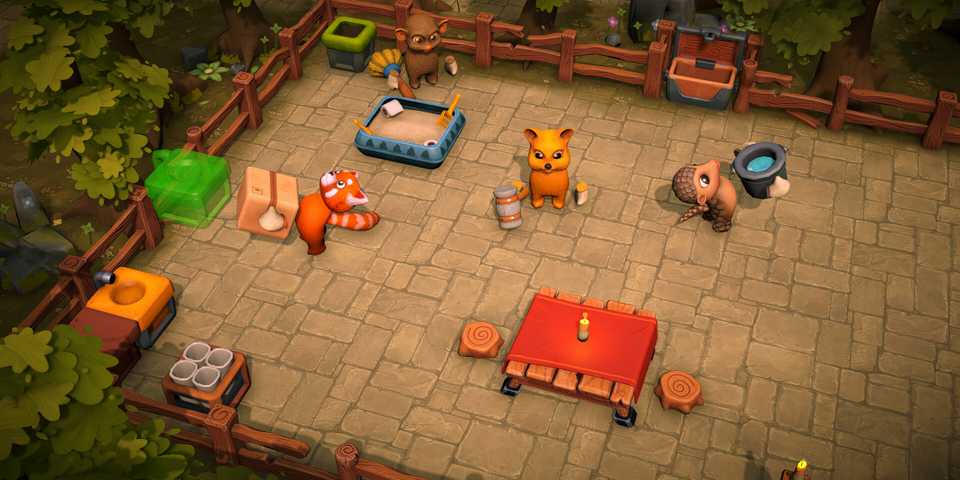
Currently, there are only four characters available for players to select in Party Club. The characters are anthropomorphic animals that walk around adorably on two legs and use their hands to run the restaurant. The customers that walk into your restaurant are animals of different kinds as well, though they are not yet playable characters. The four characters that you can select are as follows:
- Pangolin
- Tarsier
- Quokka
- Red Panda
All four characters have a similar hit box and don't feature anything unique. As their main function is to help the players distinguish from one another, each character comes with bright and unique colors that are easy to spot. Pangolin is a mix of peach and dark brown, Tarsier is dark brown with large pointy ears, Quokka is a deep yellow, and the Red Panda is, as you might have guessed, red.
Though players only have access to four playable characters right now, the devs of the game are quite active in pushing out updates and might introduce new ones in the future.

Best Indie Games With PS2 Aesthetic, Ranked
Indie games cover a wide range of styles of aesthetics with many opting to lean into the fantastic PS2 vibe.
How to Change Characters in Party Club
Players can choose their character when they start up a game of Party Club. There are two instances when you can pick your character. First, when you start a lobby, you will have the option to change your character. You can also customize the character you choose by equipping different wearable cosmetics that you can unlock as you play the game.
Secondly, when you launch the game and enter an island, you can go to the blue telephone booth and change your character there. Simply walk up to the telephone booth and press the interact button to enter it. There, you will get a menu that will let you choose between the four characters, as well as between different cosmetic items.
Equipped cosmetics don't transfer when you change characters. They will stay on the character that you equipped them on even if you swap.


- Released
- March 17, 2025
- Developer(s)
- Lucid11 Interactive
- Publisher(s)
- GameDev.ist
- Multiplayer
- Online Co-Op, Local Co-Op
- PC Release Date
- March 17, 2025


WHERE TO PLAY

- Platform(s)
- PC
- Genre(s)
- Simulation, Management, Cooking
