


The Scout Cannon was added in the MESA update in PEAK, and it's quickly become a meta item that will allow players to speedrun the entire game. What might have once taken hours and plenty of dead buddies, has now been streamlined process that will have players skip all levels and complete PEAK within minutes, becoming the go-to method to get Badges and clear Ascent levels with ease. For players who want to know how to do the Scout Cannon glitch and exploit to easily complete PEAK, then look no further than below.
How to Do the Scout Cannon Glitch in PEAK
How does the Scout Cannon Glitch Work?
Check out the video above to see a full gameplay of the Scout Cannon glitch!
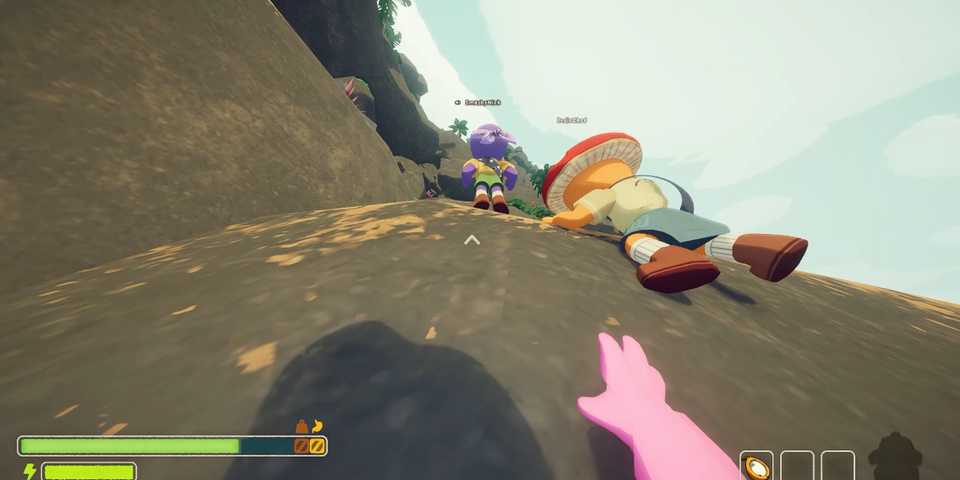
The Scout Cannon glitch requires players to first find the Scout Cannon, which has a random chance to spawn in any Luggage. With the Scout Cannon acquired, place it down and place a Backpack inside it. Then, light the Fuse found at the back of the Scout Cannon, and jump in. As soon as the Scout Cannon blasts you upwards, spam the Play Dead emote through the Emote Wheel by holding R.
In order to easily use the Scout Cannon glitch to get the Speed Climber Badge, here's what to do:
- Start a new round and wake up on the Shore
- If the Luggage on the Shore's starting area does not have a Scout Cannon, then restart until it does
- With the Scout Cannon acquired, pick up the Backpack and the Flare (found in the airplane)
- Aim the Scout Cannon at the mountain by scrolling all the way up the mouse wheel, then scroll 3 ticks down
- Place the Backpack inside the Scout Cannon
- Light the Fuse and jump on top of the Backpack
- As soon as the Scout Cannon fires, hold R and repeatedly click the Play Dead emote
- Once the 'Peak' title appears on the screen, equip the Flare and light it. As you fall, the helicopter will arrive and save you.


-
 OpenCritic Reviews
- Top Critic Avg: 83 /100 Critics Rec: 100%
- Released
- June 16, 2025
- Developer(s)
- Landcrab
- Publisher(s)
- Aggro Crab, Landfall




WHERE TO PLAY


- Engine
- Unity
- Genre(s)
- Adventure, Exploration, First-Person
