


PokeStops are extremely important in Pokemon GO, and you'll need to spin them to obtain items and complete tasks. Due to the nature of Pokemon GO, PokeStops, appearing as a blue Poke Ball token on the in-game map when nearby, are placed in public areas that are ideal for meeting up or exercising. Unfortunately, this can make spinning PokeStops difficult for rural players.
Once Pokemon GO players reach level 37, they can start nominating new areas for PokeStops. Creating your own PokeStop is a simple albeit lengthy process. To ensure your nomination/submission goes through, you should familiarize yourself with the qualifications of PokeStop creation.

Pokemon GO: How To Get Hisuian Zorua (Can Hisuian Zorua Be Shiny)
You can get Hisuian Zorua in Pokemon GO and if Shiny Hisuian Zorua is available by following this guide.
Rules of PokeStops

You can view PokeStop submission rules on the Pokemon GO Help Center. Basically, there are rules you'll want to keep in mind when you're starting your nomination. Following these will increase your chances of your PokeStop submission being added to the game.
- Your trainer level needs to be level 37 or higher, and it cannot be a "Child Account."
- The Place of Interest (POI) needs to be accessible to pedestrians.
- You cannot nominate private residences or private property. When taking photos for the PokeStop, make sure there are no people, animals, or names/IDs (such as license plates) visible.
- Your PokeStop needs to be permanent. Meaning you can't nominate something that's not going to be there year round (ex: a festival stand).
- Places such as hospitals or fire stations are ineligible.
How to Submit a PokeStop
Here's how you can nominate a PokeStop in Pokemon GO:
- Select the Poke Ball/main menu icon.
- Choose "Settings", then select "Upload."
- Choose "New Pokestop" to begin the process. You have 40 PokeStop nominations per day.
If this is your first time contributing a PokeStop, you'll be prompted to complete the "Wayfarer tutorial." Click the link when prompted, and log in using the same account as your GO account. This means you can login using your google/gmail account, facebook, apple, etc. Once you've made an account on Wayfarer, exit out of Pokemon GO then return to the PokeStop menu in Settings/Uploads. If it works, you'll see a series of directions upon clicking the "New PokeStop" button.
After selecting "New PokeStop," you'll have to do the following (in order):
- Set Location. You'll need to pin the orange/red marker on the POI you are trying to nominate. You can switch between Satellite or Map mode. Be sure that the marker is placed where you can reach it.
- Take a PokeStop Photo. This is the photo that will be used on the Photo Disc. You'll want the location/POI's photo to be in focus, free of visual obstructions (people and animals), and clear. Try to avoid taking the photo at night; make sure the camera isn't angled.
- Show the Surrounding Area. You'll be prompted to take another photo, but this time from a different angle of the PokeStop. This is to ensure that the PokeStop is in a safe and non-disruptive location.
- Describe the Location. You need to create a title as well as a detailed description for the PokeStop. If the location has an official name, use it. You'll also want to be sure your description includes any cultural significance/value of the location. Try not to make the description too lengthy.
- Categorize this location. You'll have a list to choose from to categorize the PokeStop, such as Garden, Residential Building, Stadium, etc. If you can't find exactly what you're looking for, type a keyword related to the PokeStop into the above search bar, and it should give you some suggestions.
- Show Why Your Nomination is Important. This is similar to the "Describe the Location," but not quite the same, either. You'll need to explain why your nomination is important to the community and why this would make it an ideal PokeStop.
Do not be informal in your description or title. Doing so will likely prevent your submission from going through. Follow the rules before sending in a submission.
Once you've submitted a PokeStop, you'll be notified via email that it was received. Your submission will then be evaluated by the Wayfarer Community before it's deemed eligible or ineligible. In the case it's declined, you'll have a chance to appeal the decision.
This process can take days to months for a PokeStop to be accepted or declined. However, you can potentially speed up the process by "Upgrades." This is a feature on Wayfarer that becomes available to you if you've contributed reviews on other people's submissions (on the Wayfarer website).

Pokemon GO: Every Pokemon That Evolves with Special Buddy Tasks
Some Pokemon have special requirements in order to evolve in Pokemon GO.
Why a PokeStop Could Be Rejected

To better understand how PokeStops work, you should know that Wayfarer is a community-based platform owned by Niantic that connects all their apps (ex: Pokemon GO, Ingress). Any submissions for PokeStops that you send in-game will be judged by Wayfarer's community rather than Niantic itself. You can also join the community to review submissions. If you want to see your PokeStop submissions added to the game as soon as possible, it's recommended you do this.
In some cases, a Wayspot may be used in another one of Niantic's games, thus interfering with the placement of a PokeStop. There can only be one PokeStop within a Level 17 S2 Cell. S2 Cells are part of a grid system that determines the eligibility of a point of interest's location. This isn't something you should stress over, but if you're submitting PokeStops and keep getting rejected, it's possible there's already a PokeStop in that cell.








WHERE TO PLAY



Pokémon GO is an immersive open-world multiplayer RPG that enables you to live your own RPG adventure in augmented reality. Find and evolve all Pokémon and battle with other players in AR online in this multiplayer adventure RPG.
COMPLETE YOUR POKÉDEX AND INCREASE YOUR TRAINER LEVEL!
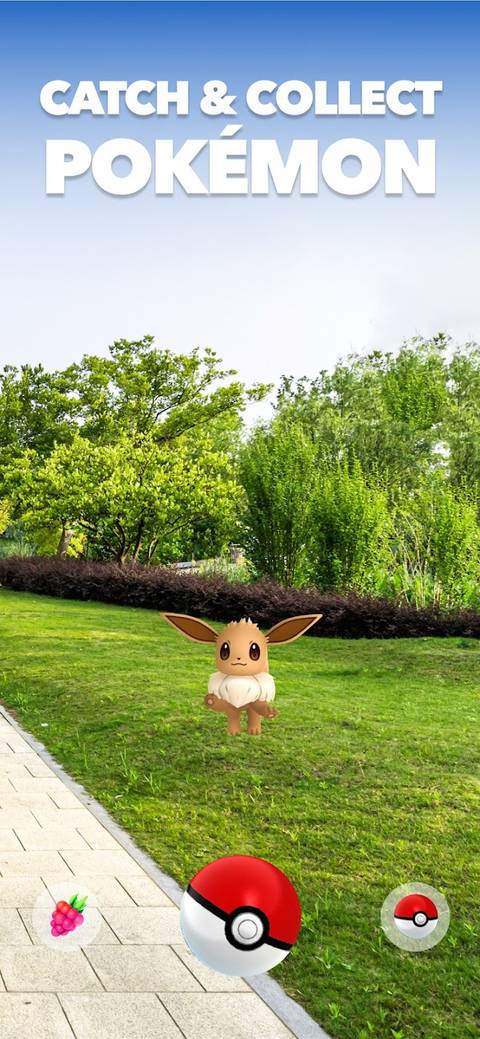
Catch your favourite Pokémon as you explore the open world in augmented reality, trade them with other Trainers, or get the chance to catch a Pokémon after winning a Raid. You can also collect Pokémon by hatching eggs through walking! Evolve your Pokémon in your Pokédex, gain levels to catch more powerful Pokémon and earn adventure rewards during a Raid in multiplayer or online PvP battle.
EXPERIENCE THE ADVENTURE IN MULTIPLAYER AND PvP!
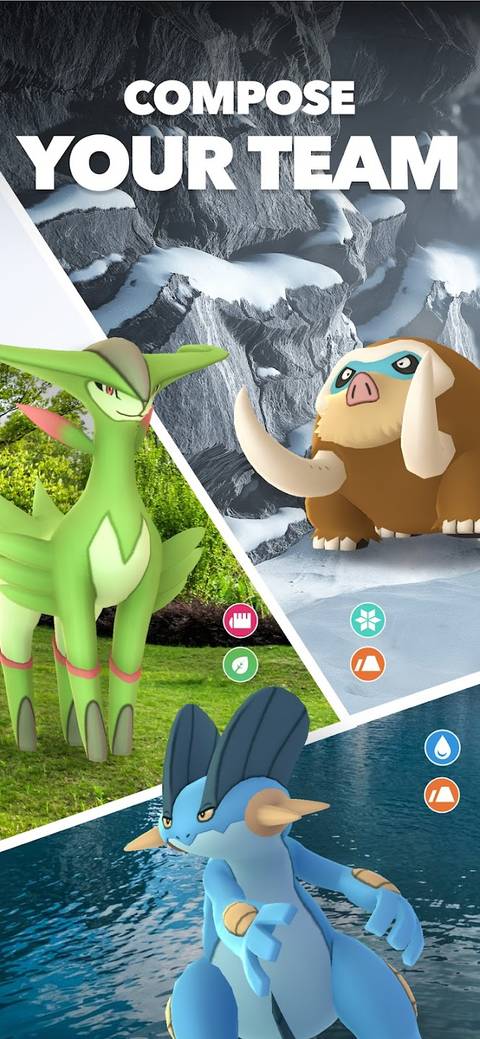
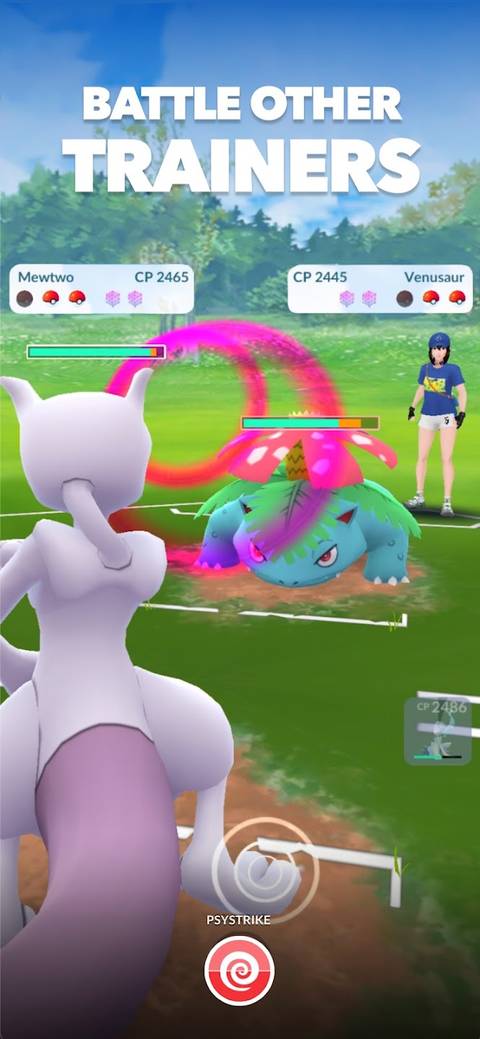
Start your own adventure and challenge other Trainers online in PvP during epic Gym battles or in the GO Battle League. You can also enjoy multiplayer by facing off with other players in PvP battles to win rewards, or team up with other Trainers for a chance to catch Pokémon after a Raid Battle.
CREATE YOUR OWN ADVENTURE!
Customise your avatar, join one of the three teams and pick your Buddy Pokémon from your Pokédex to journey by your side in this AR adventure RPG.
SWITCH BETWEEN THE REAL WORLD AND THE VIRTUAL WORLD WITH THE AR+ MODE!
Bring the RPG to the real world and search for Pokémon in locations around you. With the AR+ mode, Pokémon appear right in front of you — Catch it with your PokéBall and add it to your Pokédex.
Catch your favourite Pokémon in AR as you explore the world and battle online with other Trainers in PvP and Raid battles.
- Genre(s)
- Augmented Reality, RPG
