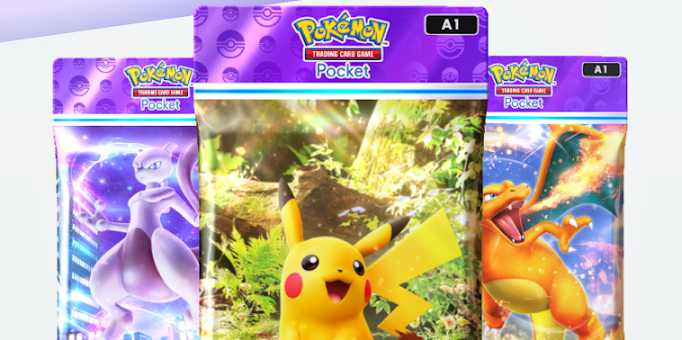
With so many Pokemon TCG Pocket cards to collect, it can be tricky for players to set their sights on the next acquisitions to enhance their decks even further. The digital version of the Pokemon trading card game has captured the attention of millions wanting to replicate all the best experiences provided from the Pokemon TCG.
The Wishlist feature is the perfect way for players to keep track of missing cards needed to complete their sets. Here, find out how to Wishlist cards in Pokemon TCG Pocket — along with how to view them.
How To Wishlist Cards In Pokemon TCG Pocket

The process of adding a Pokemon TCG card to the Wishlist is an easy one. Firstly, head into your card collection by selecting the My Cards tab. For newcomers to the game, this is the second icon from the left at the home screen.
By default, the card collection will only showcase cards that are owned. By tapping the button found next to the search magnifying glass, players can also see the cards that are missing.
Within each slot where a card is missing from the respective collection. To Wishlist a card, tap the heart icon on the right of the blank card. This will be followed by a notification that confirms players have added the card to their list.
How To View Wishlisted Cards

Wishlisting cards in Pokemon TCG allows players to help them select missing cards in Wonder Picks. Any cards that have been added to the Wishlist will appear in the Wonder Pick menu, giving them the easiest opportunity to expand their collection instead of collecting duplicates.
The cards generated during a Wonder Pick are completely random, meaning there is an element of luck involved. Despite this, the Wishlist makes it far easier to see which cards are not part of the collection and which ones are worth collecting when using Wonder Picks.
Using the Wishlist feature in Pokemon TCG Pocket is an excellent addition to the game. The ability to view cards that aren't part of the existing collection gives players the best chance to fill the gaps while avoiding potential duplicates that are bound to appear when opening packs and participating in events.

Pokemon Trading Card Game Pocket
- Released
- October 30, 2024



WHERE TO PLAY



- Developer(s)
- DeNA, Creatures Inc.
- Publisher(s)
- The Pokemon Company
- Multiplayer
- Online Multiplayer
- Franchise
- Pokemon
- Genre(s)
- Digital Card Game