


Ready or Not is a first-person shooter that allows you to play solo and multiplayer throughout its 18 main game missions, the DLC, and the Los Suenos Stories. With it being such substantial with lots of opportunities to use new weapons and equipment, it only makes sense that you should be able to customize your character and modify your loadout before starting missions.
Your customized and earned gear can be worn and seen by your teammates in Ready or Not when playing in online matches with friends and other online players alike. This guide will show you how to customize your character and modify their weapons in Ready or Not.

How To Move Faster In Ready Or Not
Discover how to move faster and more efficiently in VOID Interactive's tactical shooter Ready or Not in this guide.
How to Customize Your Character in Ready or Not
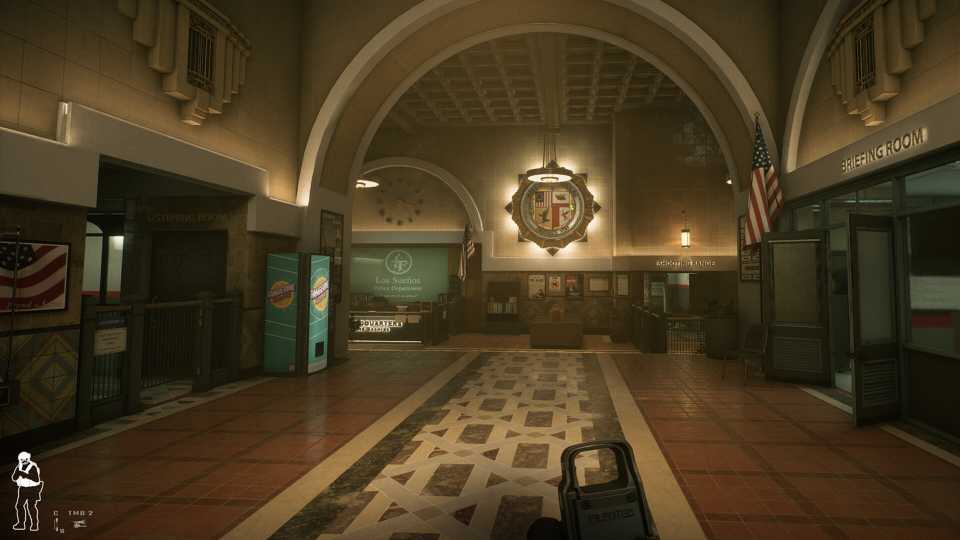
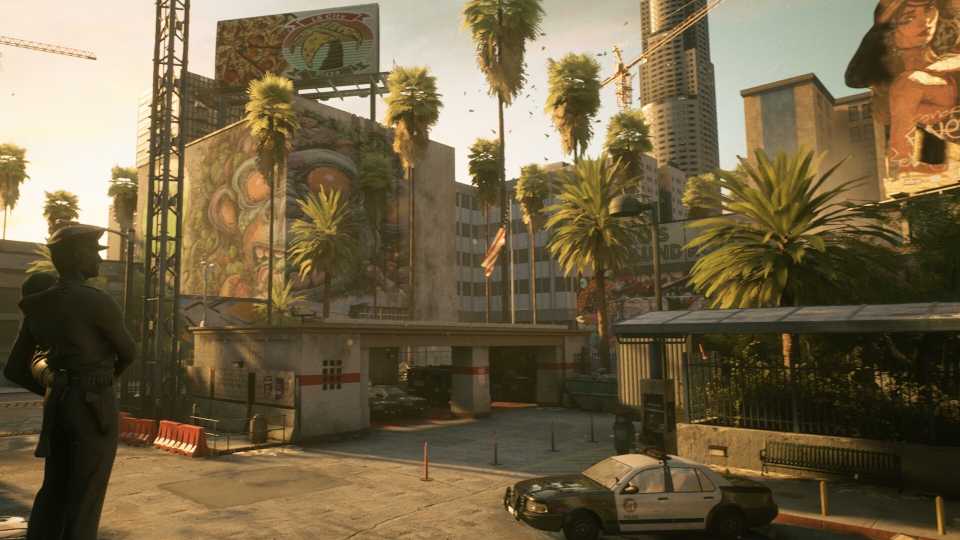
When you enter the police headquarters in between missions, you can find your way to the SWAT Unit room by walking through the Briefing Room. In the first room with the computer, you can modify your loadout and customize your character. Or if you want to directly access the customization screen in the changing rooms with the lockers. It doesn't matter which one you select, as you access both features through the same screen.
Customize Appearance
- Head into the locker room and select Customize Character.
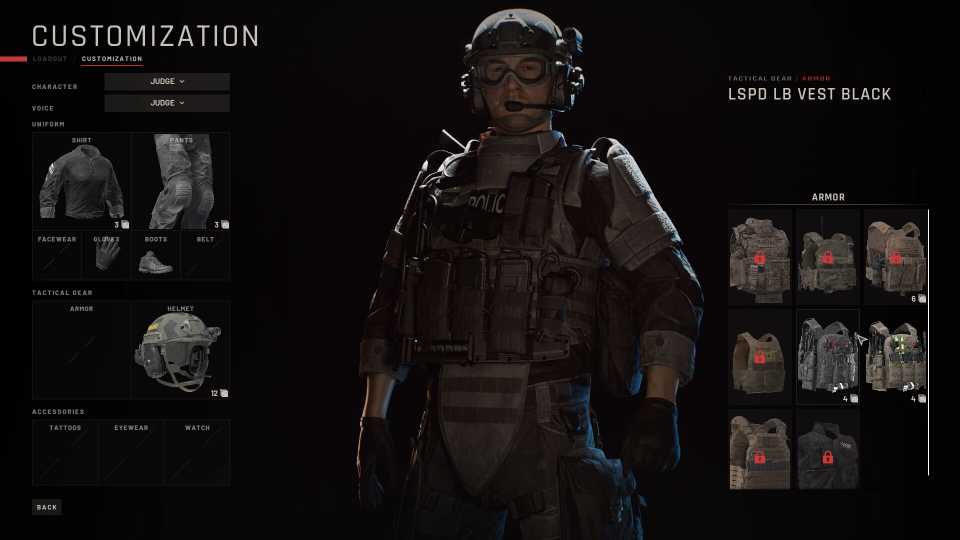
- You can change your Uniform in the first block, and select a new shirt, pants, gloves, boots, and belt.
- The second block features your Tactical Gear. Here you can change your armor, helmet, facewear, mount, and ballistic mask.
- The third block allows you to change your character's Accessories to select new watches, tattoos, and eyewear.
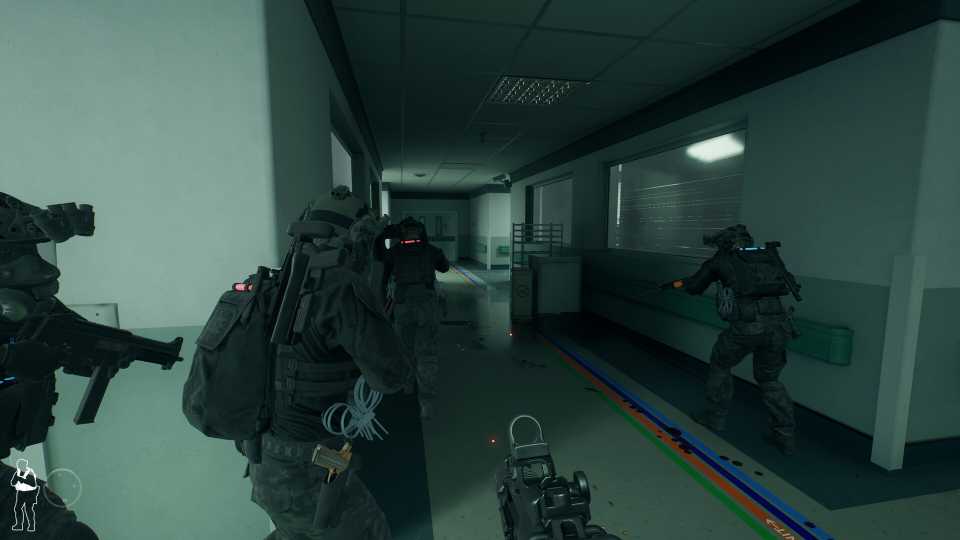
You can change your teammates' loadout and customize their looks. It's essential to equip them with the right weapons and attachments based on your approach to the mission.
Modify Loadout
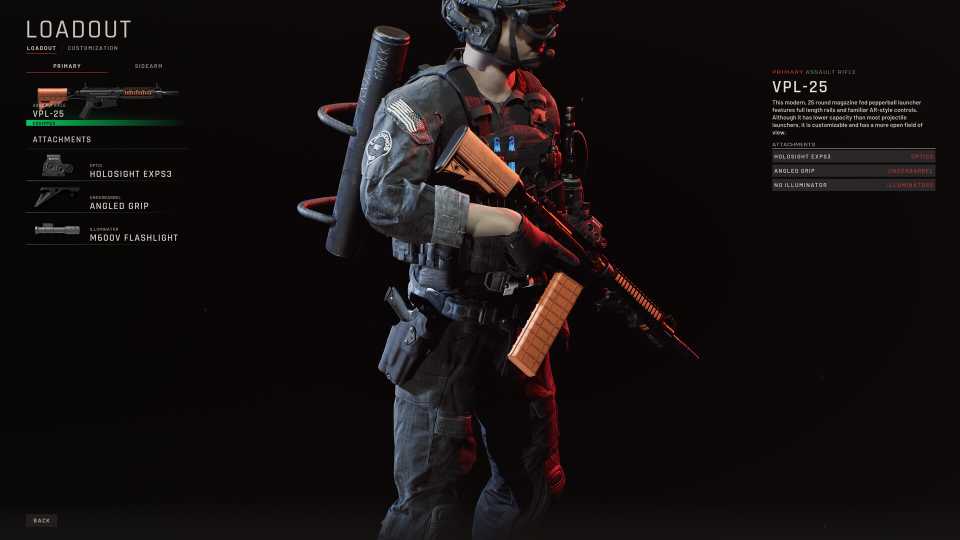
You can modify your loadout from the Customization screen by selecting the Loadout option, or you can access it via the weapons desk in the SWAT Unit room. In the Modify Loadout screen, you can change your primary weapon, your sidearm, long tactical, armor type, and headwear.
- Select your Primary and sidearm weapons to add attachments like scopes, laser sights, grips, and suppressors. You can also change the ammunition types and deployables, such as flashbang grenades, lockpicks, and more.
- Your Armor section allows you to change the coverage from front, front/back, and full. You can also select from materials such as Kevlar, steel, and ceramic. The heavier the armor, the slower your character will move.
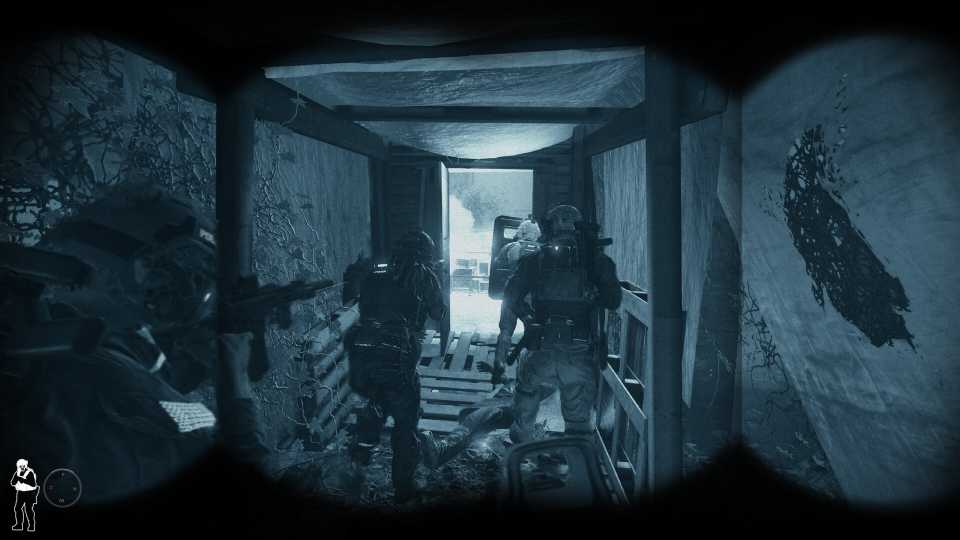
- Headwear allows you to select a Ballistic Mask, Helmet Only, or No Helmet. Wearing a helmet allows you to attach Night Vision Goggles to the mount, which is a must for night-based missions. You can also add anti-flash goggles or a gas mask to the Facewear section.


Ready or Not



-
 OpenCritic Reviews
- Top Critic Avg: 82 /100 Critics Rec: 82%
- Released
- December 13, 2023
- ESRB
- Mature 17+ / Blood and Gore, Drug Reference, Intense Violence, Sexual Themes, Strong Language, Users Interact
- Developer(s)
- Void Interactive
- Publisher(s)
- Void Interactive





WHERE TO PLAY





- Engine
- Unreal Engine 4
- Multiplayer
- Online Co-Op
- Genre(s)
- Tactical, FPS
- Platform(s)
- PlayStation 5, Xbox Series X, Xbox Series S, PC
- OpenCritic Rating
- Strong
- How Long To Beat
- 16 hours
