


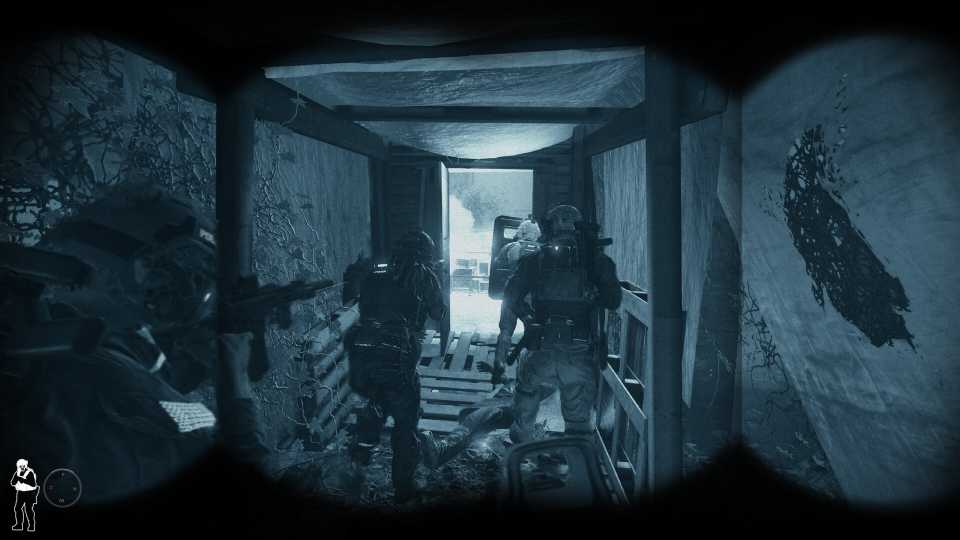
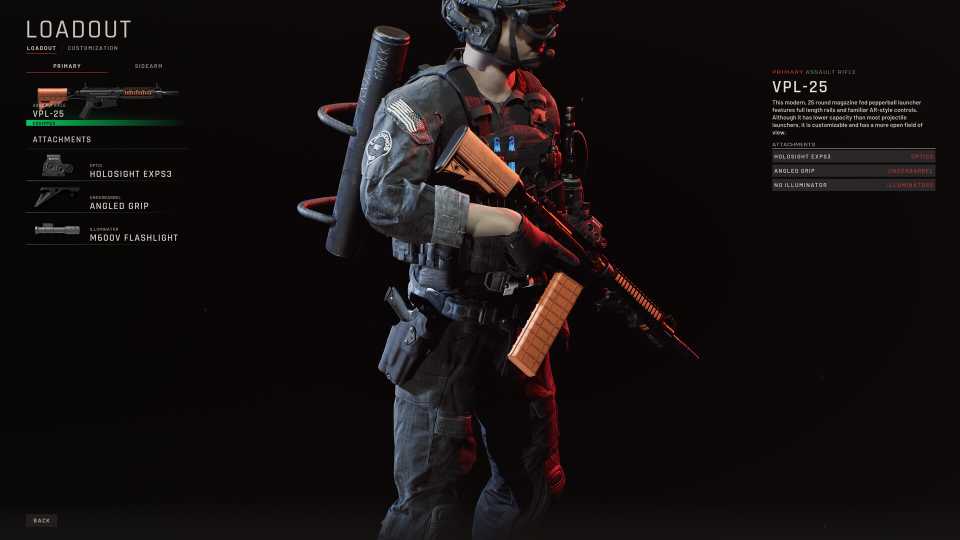
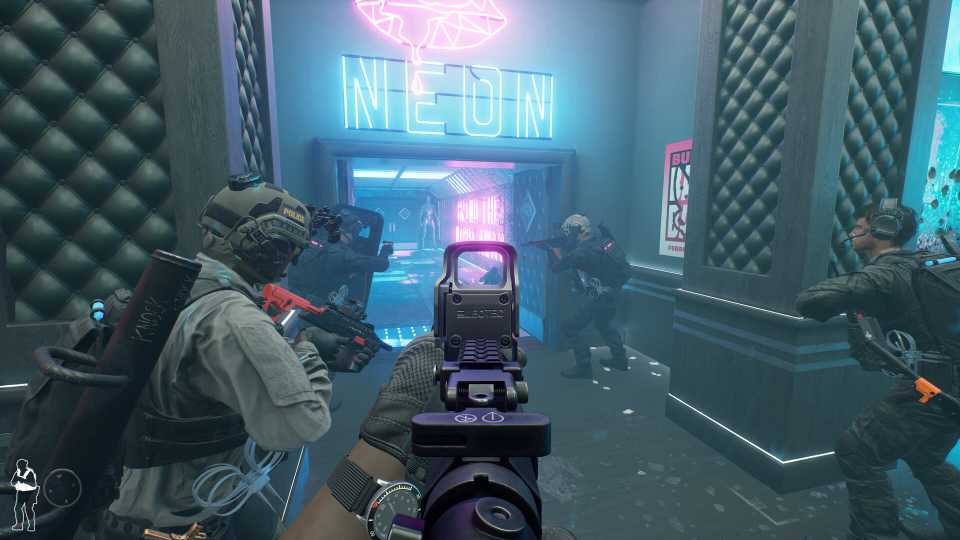
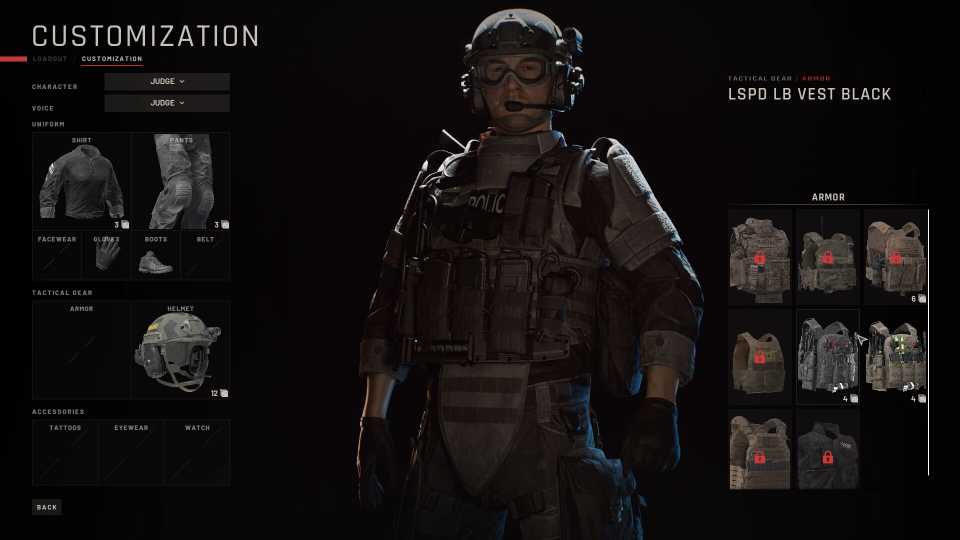
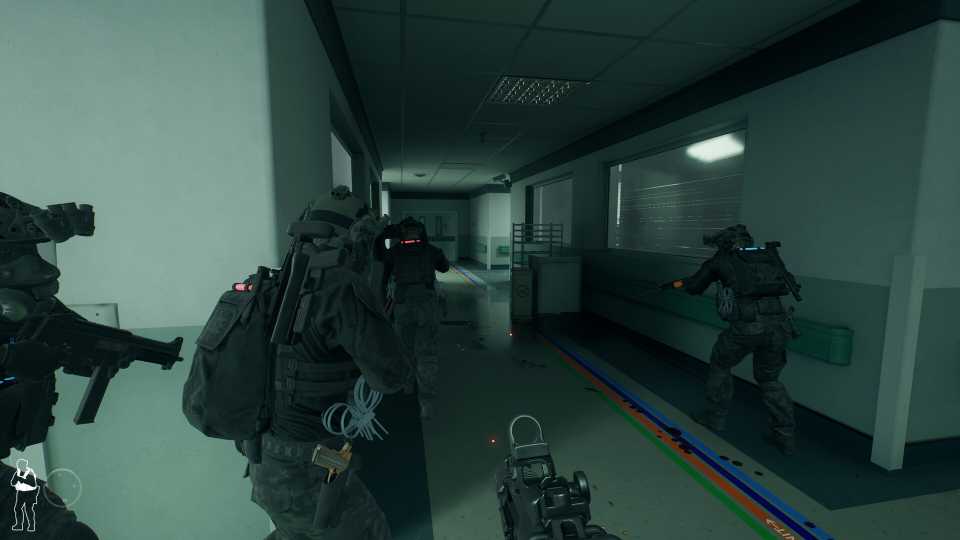
Ready or Not has come to PS5 and Xbox Series X|S, allowing players to enjoy the thrills and realism of a first-person shooter alone or with friends. For those who seek multiplayer in Ready or Not, they can find a comprehensive guide that shows players how to access Crossplay, Multiplayer, and invite friends so that everyone can have a thrilling time ahead of them.

Ready or Not: How to Get Rid of Traps
Tired of getting blown up every time you open a door in Ready or Not? If so, then check out how to disarm those pesky traps right here.
How to Enable/Disable Crossplay in Ready or Not

In order to first access Multiplayer in Ready or Not, players will need to enable or disable crossplay, depending on what platforms they want to play with. The first time players select Multiplayer from the Main Menu, they will be asked if they want to enable crossplay. Regardless of whether players select Yes or No, they can enter into the Options menu at any time, where in the Multiplayer section of the Gameplay Options (bottom of the page), players can enable and disable Cross-play.
How to Add Friends in Ready or Not

Players can invite friends on the same platform with ease by selecting the Lobby Manager tab from the Options while in-game, where they can then select Invite Players to send an invite to those on their friends list. However, if players want to invite a player on another platform through crossplay, then these are the steps they must take:
- Head to Gameplay Options and scroll down to the Multiplayer tab
- Select the option to Link Epic Account
- Link your platform with your Epic Games Account
- Add your friend's Epic Games Account with your own and then invite them
How to Host/Join a Multiplayer Game in Ready or Not

Players can start or join a Multiplayer game in Ready or Not by selecting the Multiplayer tab from the Main Menu, where they will be provided with 3 options:
- Host Friends Only (Only friends on your friends list and those personally invited can join)
- Host Public Game (Allows anyone to join the lobby created)
- Find Public Game (Puts players immediately into a randomly hosted online lobby depending on the difficulty selected)
Before entering the in-game police precinct, players will have to select a difficulty, and after choosing between Casual, Standard, and Hard, players will be able to jump in and start a mission from the briefing room.


Ready or Not



-
 OpenCritic Reviews
- Top Critic Avg: 82 /100 Critics Rec: 82%
- Released
- December 13, 2023
- ESRB
- Mature 17+ / Blood and Gore, Drug Reference, Intense Violence, Sexual Themes, Strong Language, Users Interact
- Developer(s)
- Void Interactive
- Publisher(s)
- Void Interactive










WHERE TO PLAY





- Engine
- Unreal Engine 4
- Genre(s)
- Tactical, FPS
