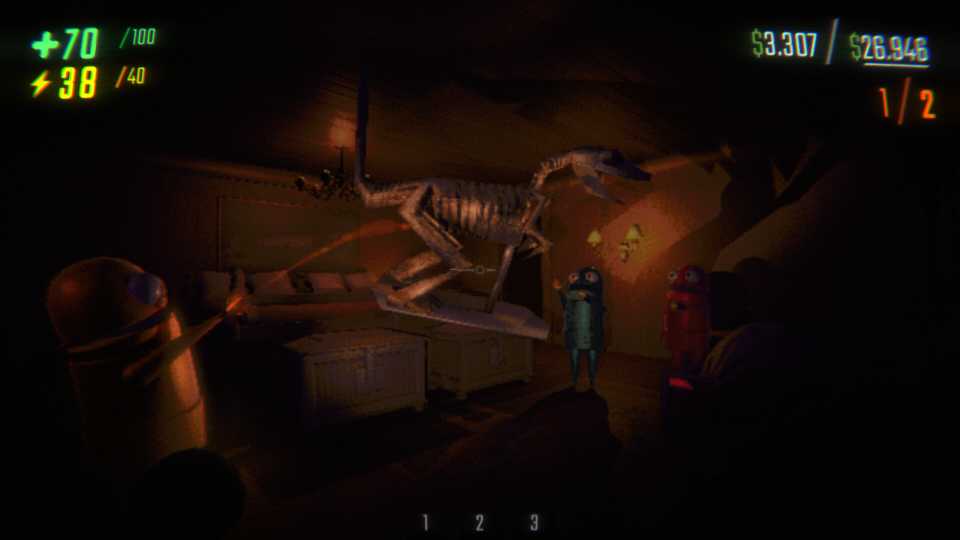
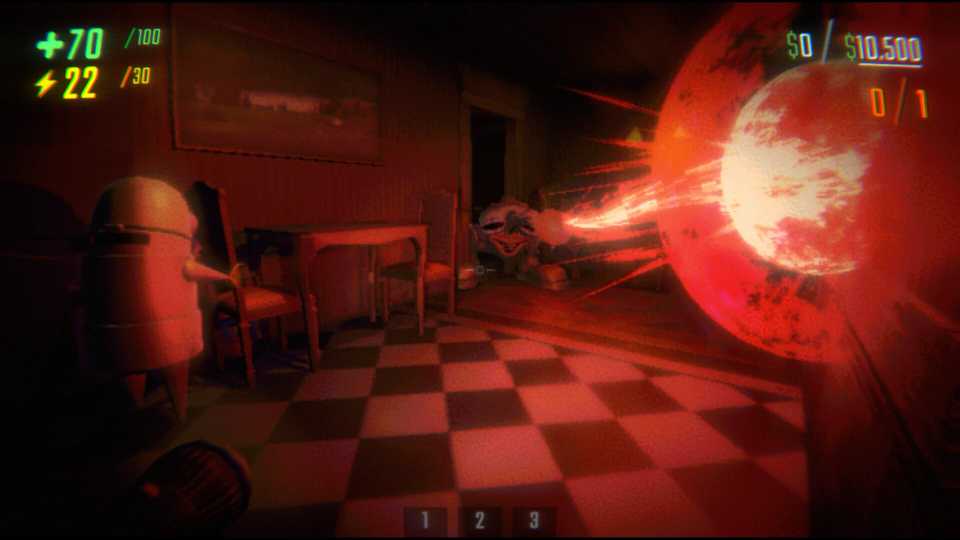
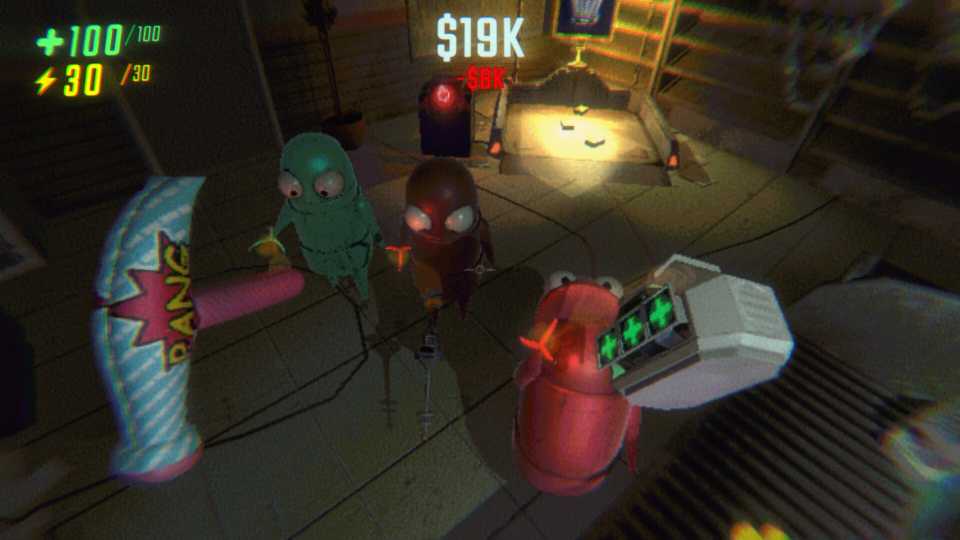
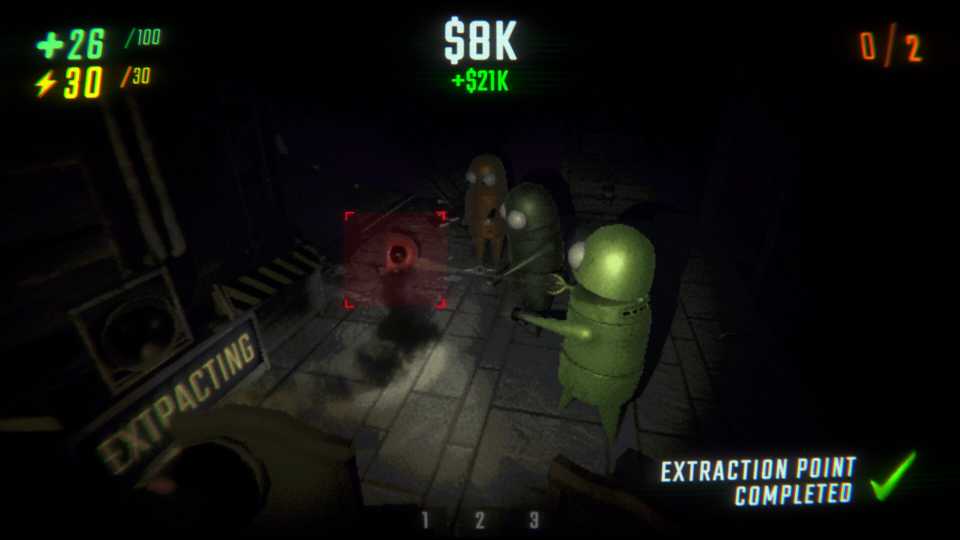
REPO is an exciting co-op horror game where you can team up with five other players and explore terrifying environments. It’s a thrilling yet chaotic experience where teamwork, careful planning, and a pinch of courage are essential to survival. For players wanting even more craziness, bigger crews, or simply trying custom cosmetics, REPO's community has created some excellent mods. This guide will lead you step-by-step through installing mods in REPO.

REPO: How To Customize Characters
The goofy robots of REPO are funny enough on their own, but they can be made to look even goofier with some custom cosmetics.
How To Install Mods in REPO
The easiest way to install mods for REPO is by using a mod manager called Thunderstore Mod Manager. This application simplifies the process of finding, installing, updating, and managing your mods. You’ll first need to download the Overwolf client and install the Thunderstore App.
Once the installation is complete, open the Thunderstore Mod Manager app and search for REPO. Then, follow the steps below to find, install, and run REPO mods.
- Start by clicking on the "Get mods" tab. Here, you can view all the available REPO mods and even use the filters on the side to narrow down your search by category. If you already know the name of a specific mod, simply type it into the search bar at the top.
- Once you've found a mod you want to try, click on its name. This will open a page with more information about the mod. Next, click on the "Download" button.
- A window will appear asking you to choose a version. It is usually safest to select the most recent version to get the latest features. After selecting the version, click "Download with dependencies."
- When the mod finishes installing, you'll see it listed under the "My mods" tab.
- To play REPO with your newly installed mods, click on the blue "Start modded" button located in the upper right corner of the Thunderstore Mod Manager window. This will start the game with all your active mods.
Before you can install mods for REPO, you need to install the BepInExPack mod first. You'll find it conveniently pinned at the very top of the "Get mods" section in Thunderstore Mod Manager. Without BepInExPack, none of your other mods will work.
How To Play Modded REPO in Multiplayer

If you’re playing REPO with a bunch of mods and want your friends to join in, here’s how to play modded REPO in multiplayer:
First, you'll need to share your profile code with them. You can follow the steps below to do this:
- Open Thunderstore.
- Click on Share at the top of the window.
- An alphanumeric profile code will appear. Send this code to your friends.
Now, here's what your friends need to do on their end to install your mod profile:
- Have them install Thunderstore if they haven't already.
- Once Thunderstore is open, they should click on Change profile.
- Next, click on Import/Update.
- Then, select From code.
- In the box that appears, paste the profile code you shared with them.
- Your friends will have the option to create a new profile, specifically for these mods, or update an existing profile to add the mods to their current profiles.
- Thunderstore will automatically download and install all the necessary mods.
- Finally, they just need to launch the game through Thunderstore, and they'll be all set to play with your exact mod configuration.


- Released
- February 26, 2025
- Developer(s)
- semiwork
- Publisher(s)
- semiwork
- Engine
- Unity
- Multiplayer
- Online Co-Op