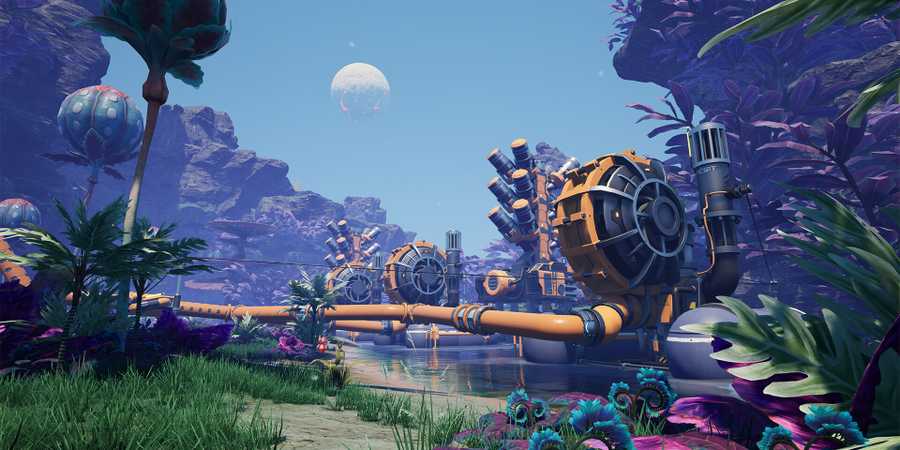
Satisfactory is the kind of game that you shouldn't pick up if you don't have a couple of hundred hours to spend. It sucks you into its intensive resource management and production automation mechanics, with days passing by without you even realizing it.
Some people can find the inane work a little boring, but nothing brightens up the world like a few friends to share the boredom with. The best banter happens when you're doing busywork that would be mind-numbing in normal conditions. However, the question is: how many players can you play Satisfactory with?

Satisfactory: How to Craft A Tractor
The bread and butter of any explorer, tractors can be unlocked fairly early in Satisfactory.
How Many People Can Play Together In Satisfactory
By default, the max player count in Satisfactory is 4. That means that there is one host and three guest players. All achievements unlocked during a multiplayer run are shared by the players in the lobby at the time. When setting up your world at the start of a session, go to multiplayer settings and change session type from Singleplayer to IP, Steam, or Epic. IP hosting is a bit complex, requiring setting up port forwarding from the host's end. However, Steam and Epic are simple invite-based sessions that are managed by the game.
If you want to invite your friends to play a pre-existing save, that's possible as well. Press escape to open your menu, then navigate to Manage Session. From there, select Session Settings and change the session type from Single Player to any of the previous options (i.e., IP, Steam, or Epic). Once you set it up, any of your friends can join using the Session ID, or your IP in the case of an IP hosted session.

Satisfactory: How to Tame a Lizard Doggo
Lizard Doggos aren't exactly cuddly, but they certainly are cute. Here's a complete breakdown of how to tame a Lizard Doggo in Satisfactory.
How To Increase Max Player Count In Satisfactory
While Satisfactory only allows a maximum of four players in one session at a time officially, it doesn't restrict you to a small number like that. In fact, the game can potentially host more than a hundred players in one world, though that's not advisable since it isn't optimized for such a large scale endeavor.
Regardless, it is possible to increase the player count from 4 to something a bit more reasonable, such as 8, or even 16.
- Press Win+R to open the run command.
- There, copy and paste this directory: %localappdata%\FactoryGame\Saved\Config\Windows\Game.ini
- It should open a.txt file with some information about the server. Add the following line to the end of that file:
[/Script/Engine.GameSession]
MaxPlayers=X
- X refers to your desired number of maximum players for your server. Swap it with any number between 4 and 127.
- Save the file and change its settings to Read Only to make sure that steam can't revert the change.
Keep in mind that the developers don't support more players for a reason. Be prepared to face some level of difficulty playing if you're increasing the max player count.

Satisfactory
- Released
- September 10, 2024



WHERE TO PLAY





- ESRB
- Everyone 10+ / Fantasy Violence
- Developer(s)
- Coffee Stain Studios
- Publisher(s)
- Coffee Stain Publishing
- Engine
- Unreal Engine 5
- Multiplayer
- Online Co-Op
- Platform(s)
- PC, PlayStation 5, Xbox Series X, Xbox Series S
- Genre(s)
- Simulation, Sandbox, Base Building, Open-World, Management
- How Long To Beat
- 105 Hours