


Summary
- The highly-anticipated Update 1.1 for the popular factory building sim Satisfactory is out now on PC.
- Among the list of new additions in Satisfactory's Update 1.1 are controller support and an improved photo mode.
- Conveyor and railway systems in Satisfactory have also been expanded upon with Update 1.1.
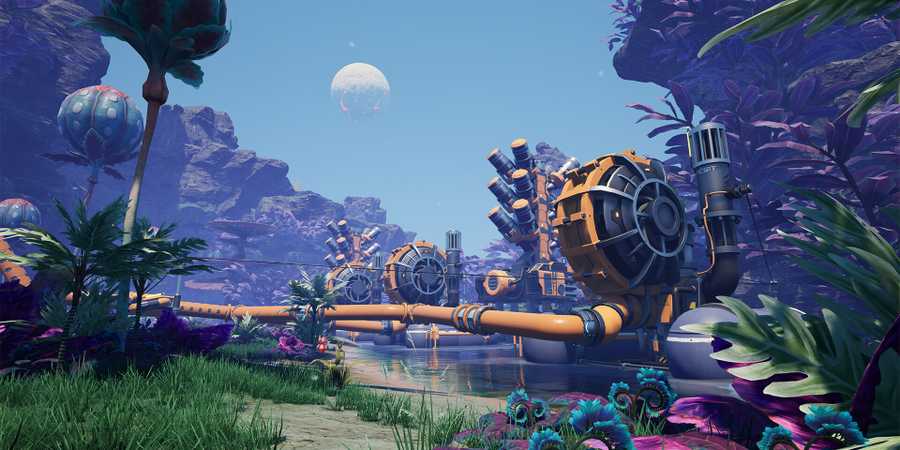
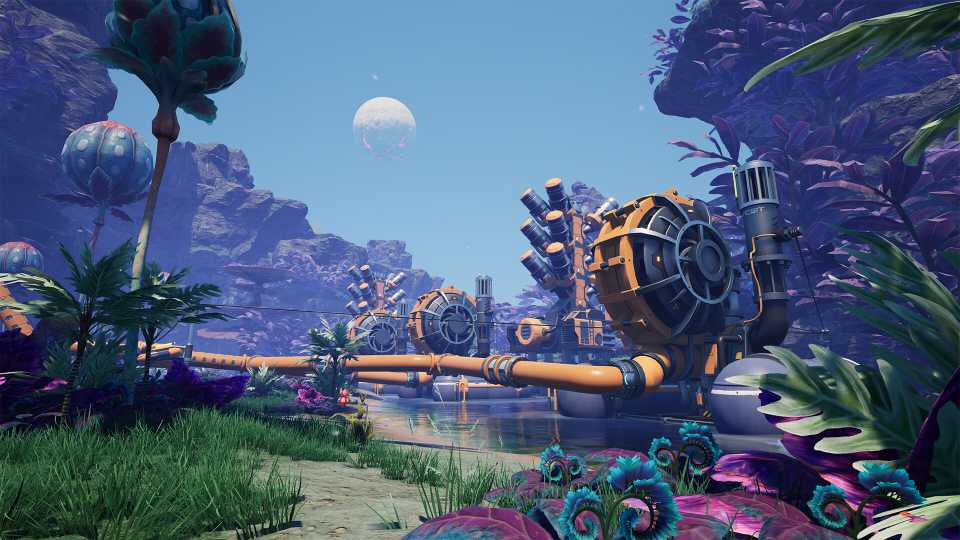
Satisfactory developer Coffee Stain Studios has officially released Update 1.1 for the factory sim, marking its first major content drop since the game left early access around nine months ago. The update is now live on the Stable branch for Satisfactory players on PC, and brings with it a slew of new features, improvements, and highly-requested additions.
Following its full 1.0 launch in September 2024, Satisfactory transitioned out of early access after a whopping five years and lots of critical and commercial acclaim. The launch version of Satisfactory included significant endgame content such as the final Project Assembly tier, portals, and the complete Hub. In the months since, Coffee Stain Studios has been actively working on a large follow-up update, gathering player feedback from the Experimental branch to shape Update 1.1 into a polished and impactful release.

Satisfactory: Best Early-Game Power Sources
Power is one of the most important things to decide on in Satisfactory's early game. Get tips on the best choices here.
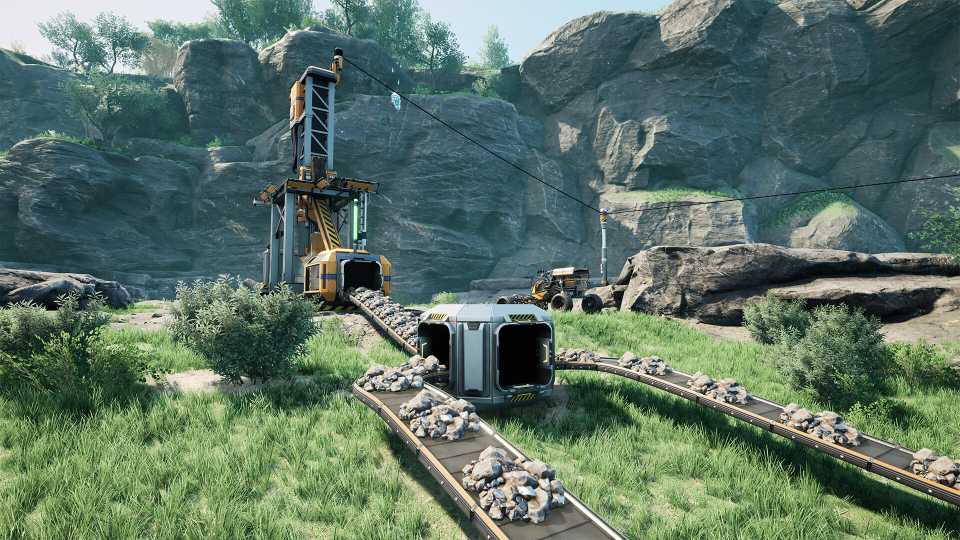
Satisfactory's Update 1.1 is finally out of the Experimental branch, and is now live on Steam and the Epic Games Store. One of the most notable additions with this update is full controller support, giving players the option to enjoy Satisfactory with either Xbox or DualSense controllers. The in-game Photo Mode has been overhauled with a new UI, color adjustments, visual filters, and a Dolly Mode that allows for scripted scenes and transitions - ideal for showcasing large factory builds. On the gameplay side, the update brings a suite of new conveyor-related buildings to Satisfactory, including a Conveyor Throughput Monitor for production diagnostics, a Conveyor Wall Hole for cleaner design, and a Priority Merger to optimize input streams.
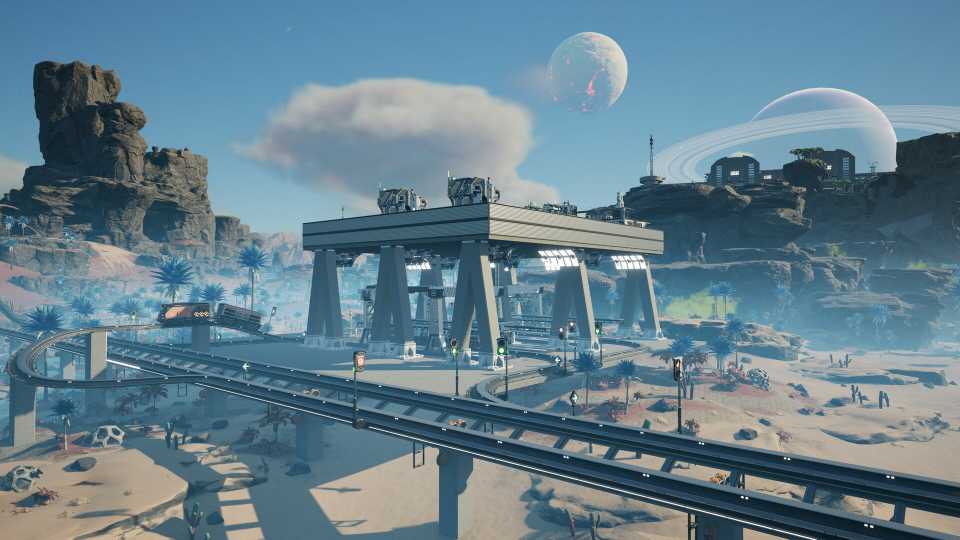
Coffee Stain Studios has also lavished some attention on Satisfactory's travel systems. The Hypertube system now allows for junctions and branches - offering more flexible travel options - and a new Personnel Elevator introduces customizable floor names and icons, enabling smooth vertical movement across complex layouts. Railway mechanics in the factory sim have become more realistic as well, thanks to the introduction of Buffer Stops and the possibility of train derailments if not properly managed. Finally, a long list of quality-of-life changes includes new build modes for pipelines, improved placement tools, and a "no fuel" toggle in advanced settings to simplify vehicle management.
The complete list of additions in Update 1.1 is immense, and only the major highlights have been discussed above. Those interested in the full patch notes for Update 1.1 can head to Satisfactory's Steam page. Speaking of which, players on Steam seem to really be enjoying everything new added in Satisfactory, with over 2,000 Overwhelmingly Positive reviews for the posted in recent memory.
Every Notable Feature and Addition in Satisfactory's Update 1.1
Controller Support
- Full support added for Xbox and DualSense controllers.
-
To enable:
- Connect your controller.
- Navigate to: Options > Controls > General > Select Controls > Controller > Apply.
- On Steam Deck, the game will now auto-detect Steam OS and default to controller input for seamless setup.
Photo Mode Overhaul
- Complete UI redesign and significant functionality expansion.
-
New features include:
- Multiple filters, effects, color adjustments, and camera lens controls.
- Dolly Mode for scripted transitions and scene creation.
- Grid and crop settings for various aspect ratios.
- Camera decoupling from the Pioneer for free-range movement.
- Option to toggle visibility of the Pioneer and enable helmet tracking.
Crash Site Dismantling
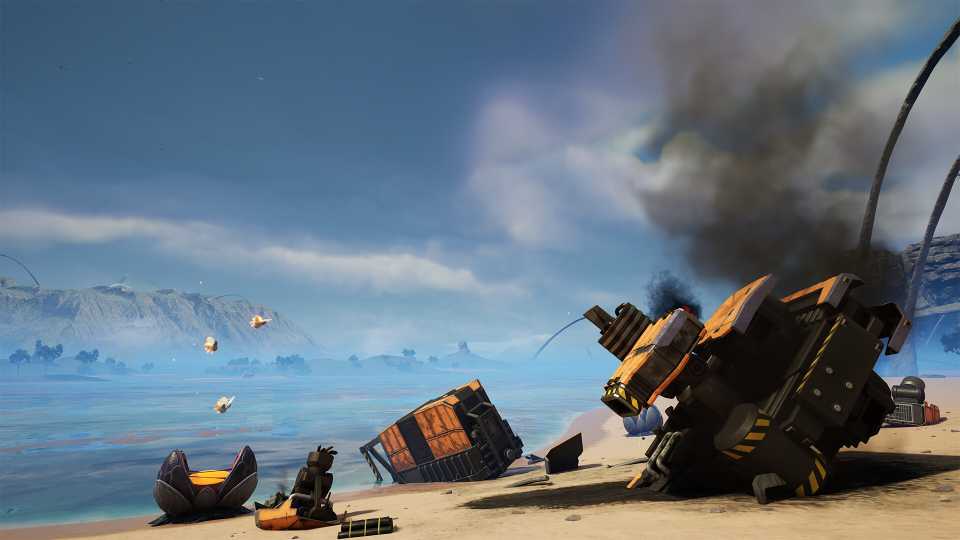
- Players can now dismantle debris from Crash Sites.
- The Hard Drive must be retrieved before dismantling is permitted.
- Dismantling rewards additional resources and cleans up factory space.
Personnel Elevator
- New vertical transportation method for players.
-
Key features:
- Vertical "zooping" to place Elevator Floor Stops at various heights.
- Customizable floor names, button icons, and colors.
- Enhances movement across large factory builds.
Advanced Game Settings
-
"No Fuel" Option:
- Added to Advanced Game Settings.
- Allows vehicles to operate without fuel, ideal for creative and relaxed gameplay modes.
Railway System Enhancements
-
Buffer Stops:
- Prevent train derailments at track ends.
- Required for safe manual driving beyond stations or rail terminations.
-
Derailment Mechanic:
- Trains will now derail if they reach the end of the line without stopping.
-
Path & Block Signals:
- Now features left/right side placement modes.
- Switch sides using R during placement.
Building Improvements
-
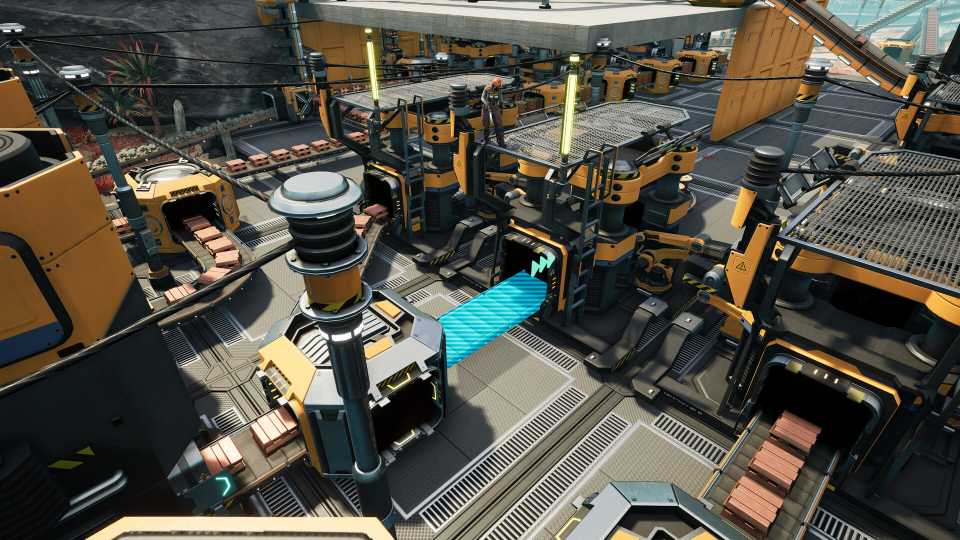
Conveyor Wall Hole:
- New wall-mounted attachment for conveyors.
- Allows customizable belt routing through walls and windows.
-
Conveyor Lift Enhancements:
- Splitters and Mergers can now attach to lifts at input, output, and intermediate points.
-
Priority Merger:
- Allows prioritization of active input sources (3 levels).
- Supports alternating outputs when inputs share the same priority.
-
Conveyor Throughput Monitor:
- Displays real-time part flow data over 60 seconds.
- Helps optimize production rates and factory efficiency.
Pipeline Build Modes
-
Straight Mode:
- Enables precise linear pipe layouts, similar to conveyors.
-
Curved Mode:
- Facilitates more complex or angled pipe arrangements.
Hypertube Network Enhancements
-
Hypertube Junction:
- Three-way junctions allowing flexible multi-path routing.
- Players can switch directions by pressing E near the junction.
-
Hypertube Branch:
- Splits an existing tube into two paths.
- Only accessible via the longer segment.
- Useful for expanding or integrating hypertube networks.
Miscellaneous Quality of Life Improvements
-
Railway Building Experience:
- General improvements to building railways, making them more intuitive.
-
Vehicle HUD Toggle:
- Option to hide HUD when riding vehicles for cleaner screenshots.




-
 OpenCritic Reviews
- Top Critic Avg: 91 /100 Critics Rec: 100%
- Released
- September 10, 2024
- ESRB
- Everyone 10+ / Fantasy Violence
- Developer(s)
- Coffee Stain Studios
- Publisher(s)
- Coffee Stain Publishing



WHERE TO PLAY





- Engine
- Unreal Engine 5
- Genre(s)
- Simulation, Sandbox, Base Building, Open-World, Management
