


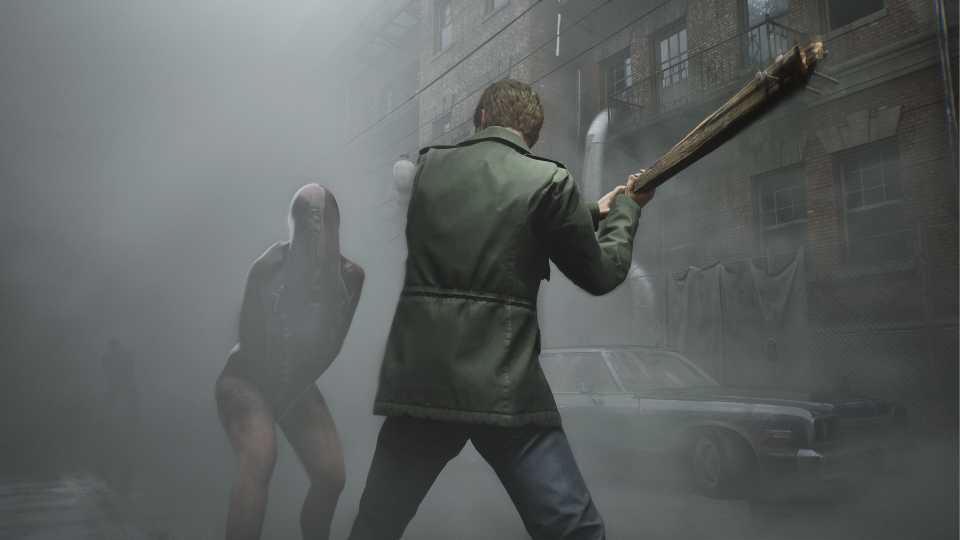
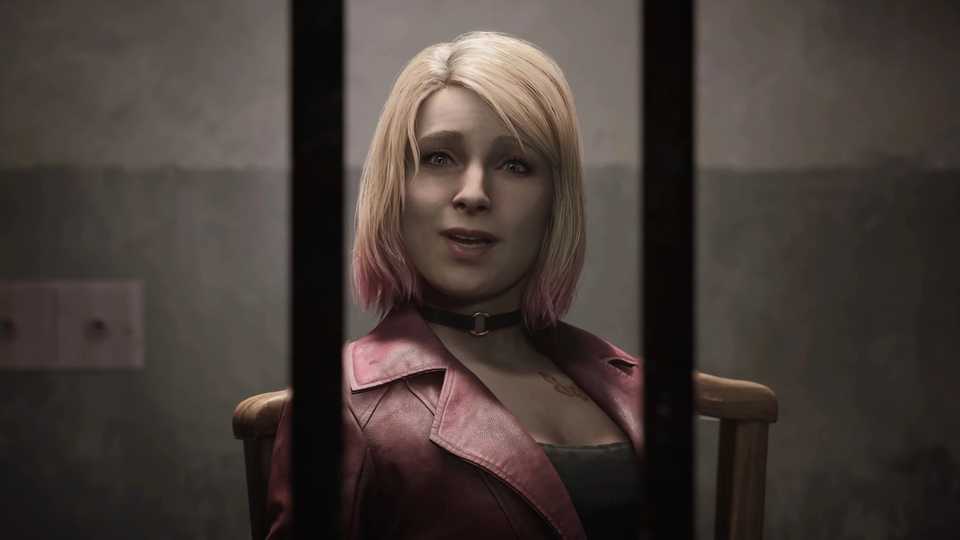
The highly anticipated Silent Hill 2 remake has been released on both PlayStation 5 and PC, allowing players to enjoy the game regardless of whether they purchased the standard or deluxe edition. The game has been well-received by both critics and fans, and it's performing respectably on Steam.
If you purchased the deluxe edition or pre-ordered the game, you might be wondering how to claim the bonus items that were promised. Look no further! The guide below will walk you through the steps to claim your rewards and enjoy all the extra content that came with your purchase.

Optimized PC Graphics Settings for Silent Hill 2 Remake
Discover optimized PC graphics settings for Silent Hill 2 Remake to boost performance while maintaining stunning visuals and achieving 60 FPS.
What Is Included in the Pre-Order Bonus and Deluxe Edition of the Silent Hill 2 remake?

Pre-Order Bonus Content
The bonus items in the Silent Hill 2 remake may not be essential, but they’re still a fun treat for the most dedicated fans. Players who pre-ordered the game before its release date received the Mira the Dog Mask — a dog-shaped headgear that Jacob can wear in the game. While it might break the immersion, it’s sure to give you a good laugh.
Deluxe Edition Content
Players who pre-ordered the Deluxe Edition receive additional digital goodies, including the Silent Hill 2 Remake’s digital soundtrack and digital artbook. They also get the quirky Pyramid Head Gear (Pizza Box). If you’re up for running around with a pizza box on your head, this is the perfect headgear for you.

Silent Hill 2 Remake: How to Save
Saving the game is essential for a much needed break from the horror that awaits players in Bloober's Silent Hill 2 remake.
How To Claim Pre-Order Bonus and Deluxe Edition Content in the Silent Hill 2 Remake

Before you can enjoy any of the bonus items, you’ll first need to make sure they’re properly downloaded. Follow these steps:
- Open Steam and locate your game.
- Right-click on the game title and select Properties.
- Go to the DLC tab and ensure that Mira Mask, Pyramid Head Mask, and Digital Artbook are checked.

Silent Hill 2 Remake: All Difficulty Settings and Differences
Silent Hill 2's remake holds two difficulties for combat and puzzles that may have some players asking what they should choose for their first time.
Claiming Mira Mask and Pyramid Head Mask
To claim the masks:
- Open the game and start a new playthrough.
- During the setup, you’ll have the option to choose a mask under James' Mask. Select the one you want. Don’t worry, you can change it later from the menu.
If you want to switch masks:
- Go to Settings and open the Gameplay tab.
- The first option is James’ Mask — simply choose the mask you want to equip.
While these masks are fun, it’s recommended to use them on a second playthrough to keep the first experience fully immersive.

Do You Need to Play Silent Hill 1 Before Silent Hill 2?
Silent Hill 2 got remade from the ground-up but the question remains if you need to experience Silent Hill 1 in order to enjoy it.
Claiming Digital Artbook
Claiming the Digital Artbook is straightforward. After downloading the PDF, navigate to the game’s installation directory. In the root folder, you’ll find a file named "SILENT HILL 2 Artbook.pdf".
Claiming Digital Soundtrack
Claiming the Digital Soundtrack works a bit differently. First, search for the soundtrack in your Steam library and download it. Once downloaded, you can either play the audio files directly from Steam or access them from their installation location. The files are stored in the Music folder, rather than the common folder, both of which are located inside the Steamapps directory.
All 10 tracks are available in both MP3 and WAV formats.


Silent Hill 2


-
 OpenCritic Reviews
- Top Critic Avg: 87 /100 Critics Rec: 94%
- Released
- October 8, 2024
- ESRB
- M For Mature 17+ // Blood and Gore, Language, Sexual Themes, Violence
- Developer(s)
- Bloober Team
- Publisher(s)
- Konami







WHERE TO PLAY




- Engine
- Unreal Engine 5
- Franchise
- Silent Hill
- Platform(s)
- PlayStation 5, PC
- OpenCritic Rating
- Mighty
