


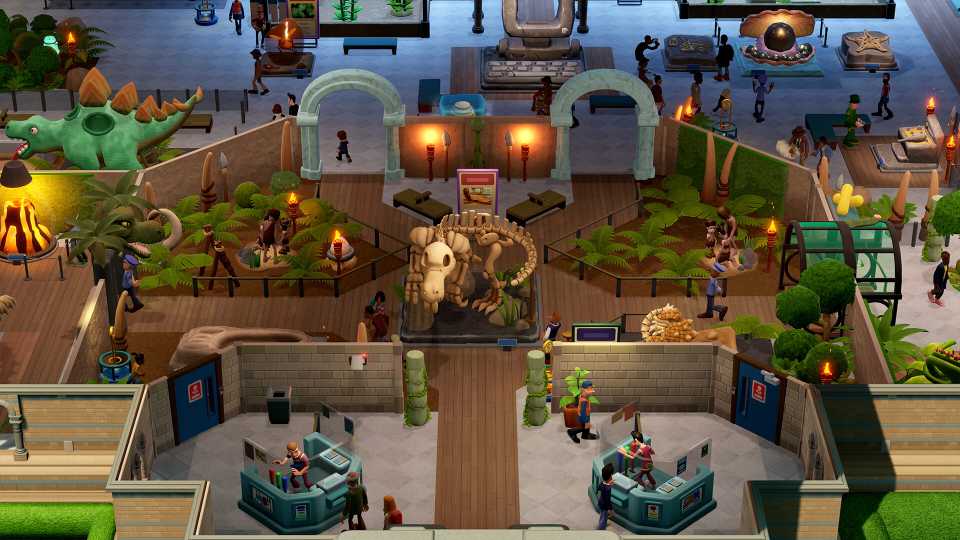
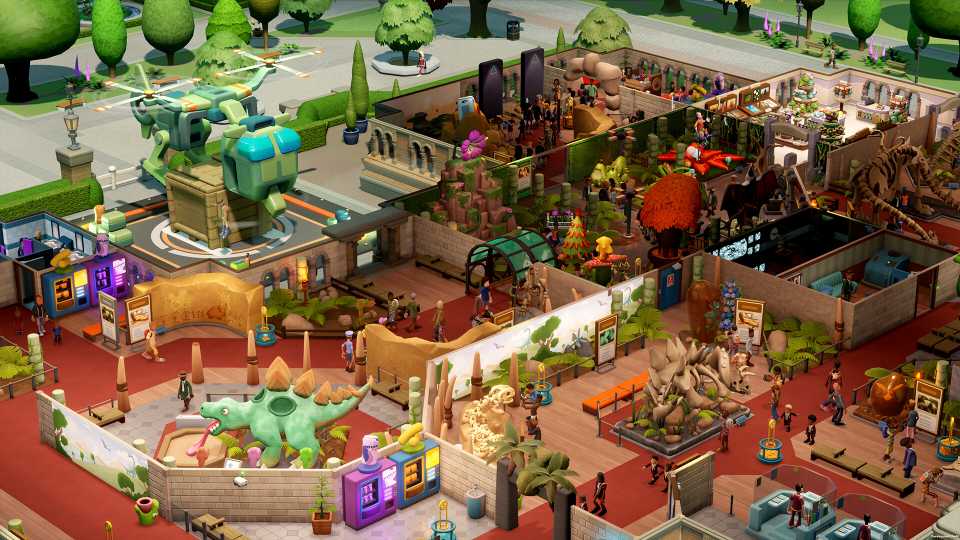
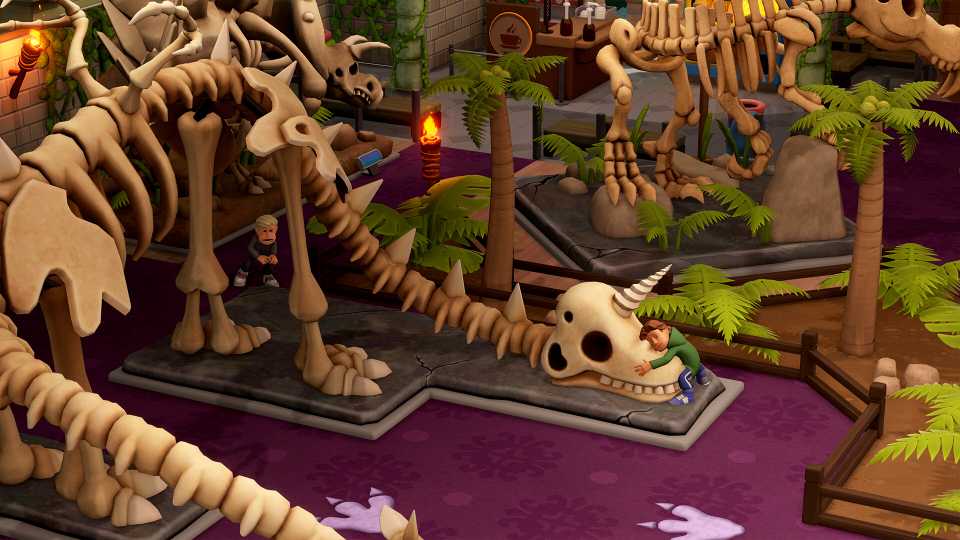
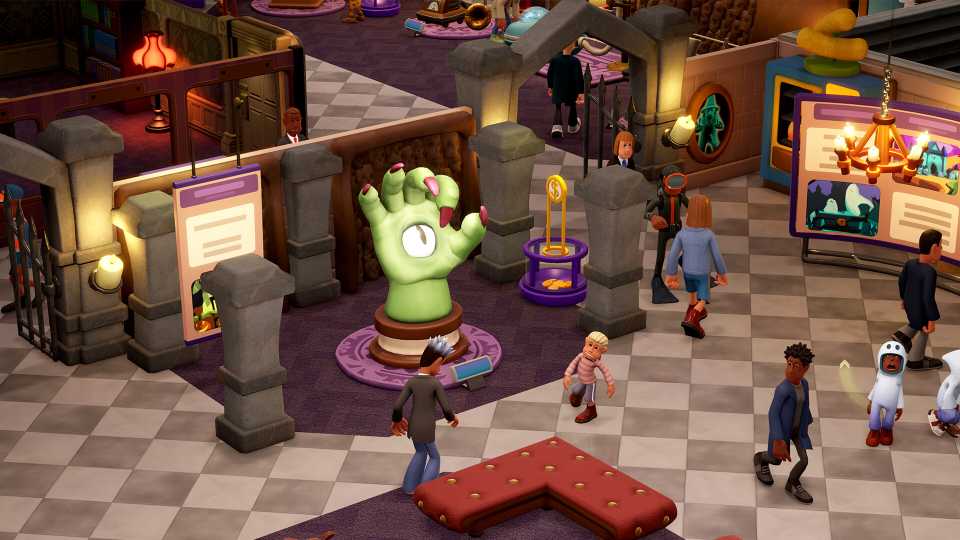
In Two Point Museum, players get to shape, grow, and expand a number of different themed museums and fill them with a host of fascinating exhibits for guests to enjoy. As you send your highly-trained employees on expeditions for more exhibits, you may find that you are running out of space.
For most of the museums you curate in the game, players will have the opportunity to expand the size of their museum and offer the ultimate learning and entertainment experience. Once players understand how to get more land in Two Point Museum, they'll be well on their way to having a home for their exhibits.

Two Point Museum: Trophy/Achievement Guide
Players can add to their trophy collection by completing these tasks in Two Point Museum.
How To Get More Land in Two Point Museum

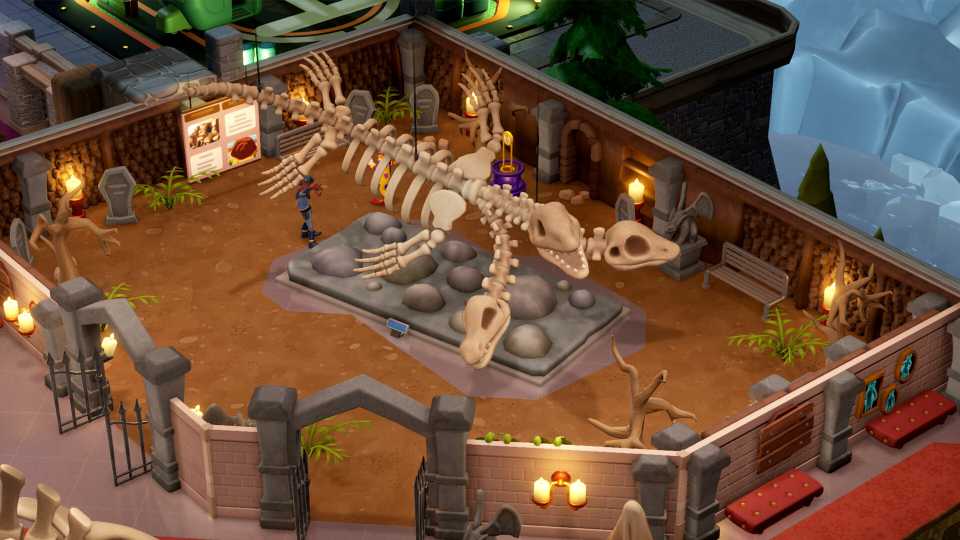
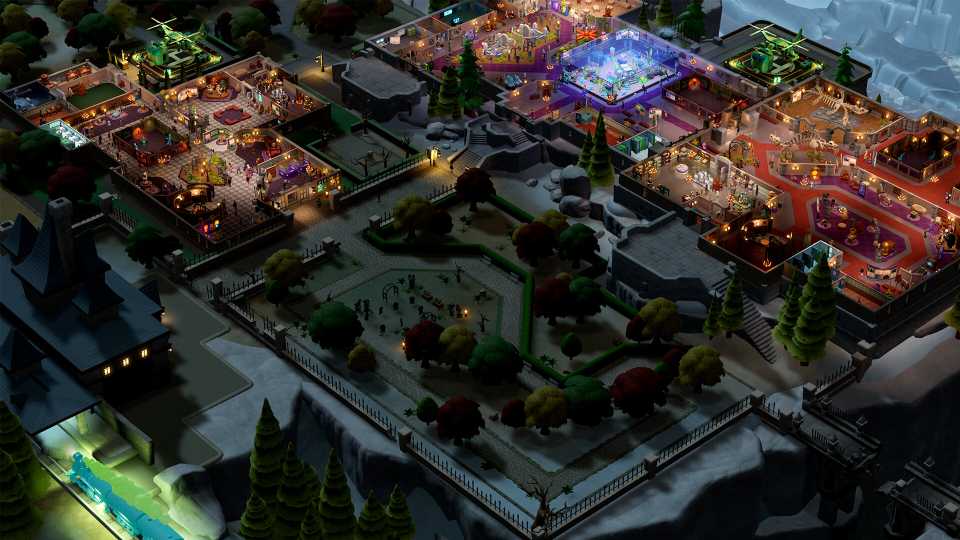
For some of your establishments in Two Point Museum, you may find yourself hoping for some more space to store your exhibits, and save yourself the trouble of choosing which ones to sell for some quick cash. Thankfully, there is a relatively simple way to get access to more plots of land and expand your museum. To get more land in the game, simply hover over empty plots of land around the museum, click on them, fulfill the requirements, and purchase the plot.
While this is relatively accessible in most museums, there are a couple of them that are restricted to specific volumes of land. For the first two museums, Memento Mile and Wailon Lodge, you will be given the opportunity to expand the size of your establishment, but no further than the game progression dictates. For the rest of the museums, however, there are multiple plots available to buy and build on.
How To Build On New Land in Two Point Museum
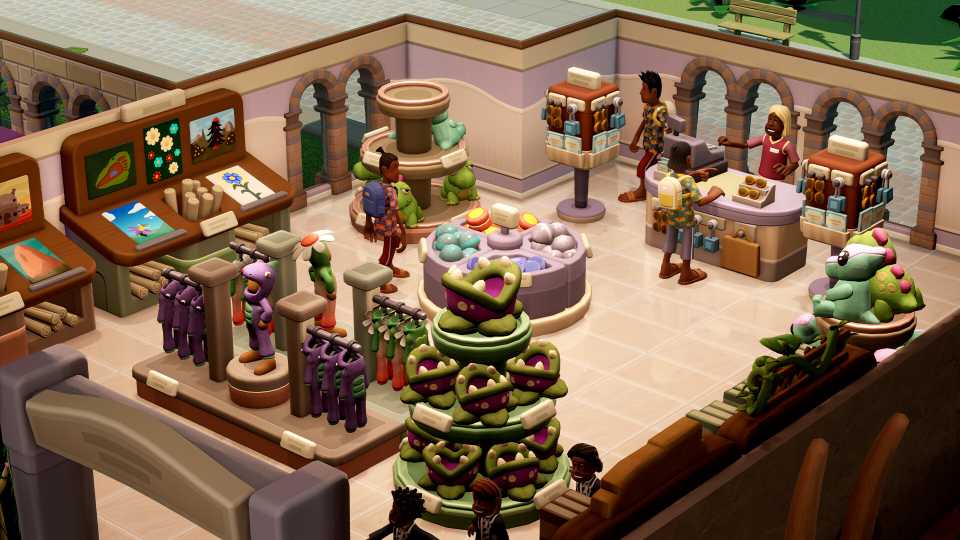
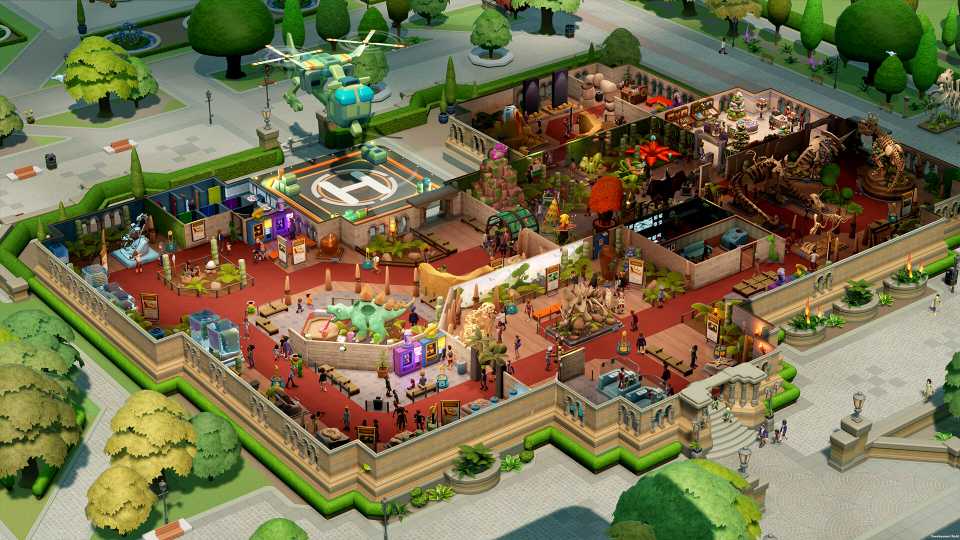
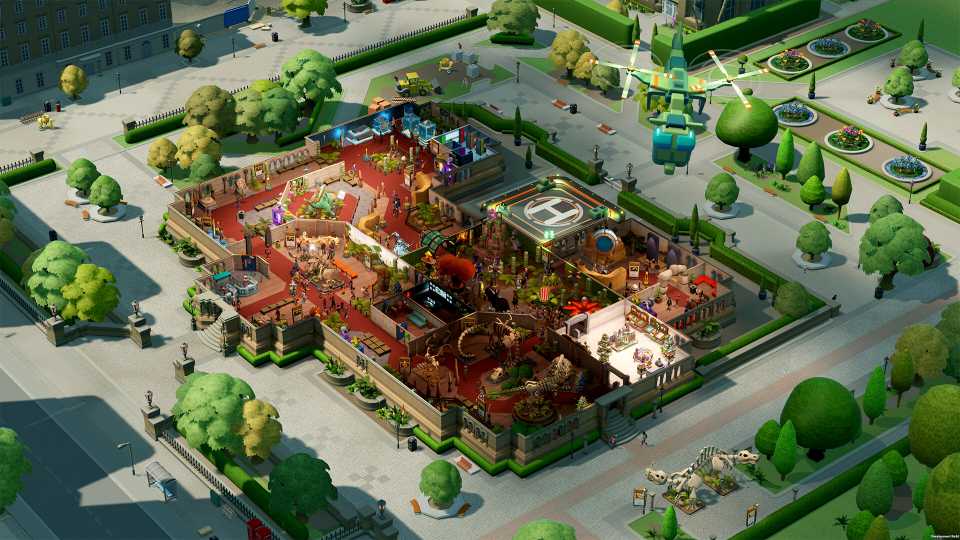
Buying a new plot of land is one part of your museum expansion; the other one is establishing some foundations upon which you can build and display your exhibits and decorations that you have bought with your hard-earned Kudosh. To grow your museum, players will need to insert a Building onto the land. You can find this from the Building menu, where you can find other rooms, like Gift Shops and Polterguest rooms.
Once you click on the Building option, you can plot out the shape of your building by clicking and dragging your cursor over the desired space. Once you click confirm, you can place your completed exhibits, decorations, and interactive displays and start shaping your museum.





-
 OpenCritic Reviews
- Top Critic Avg: 85 /100 Critics Rec: 91%
- Released
- March 4, 2025
- ESRB
- Everyone / Crude Humor, Mild Language, In-Game Purchases
- Developer(s)
- Two Point Studios
- Publisher(s)
- Sega








WHERE TO PLAY






- Genre(s)
- Simulation, Strategy, Life Simulation, City Builder
