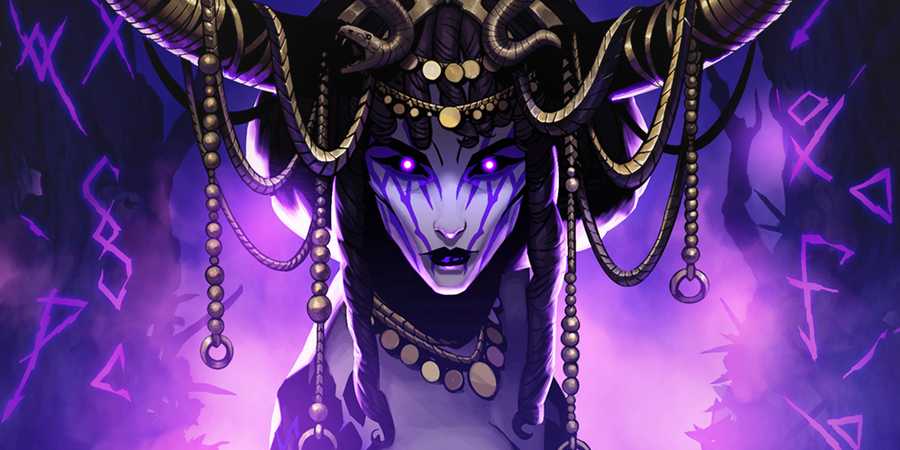
V RIsing is an action RPG set in a universe filled with supernatural horrors and dangerous threats. Players will awaken from a long slumber as vampires, traversing a range of mysterious areas and locations, discovering dark secrets, rebuilding their castle, and even turning humans into loyal servants.
However, while V Rising is a very enjoyable experience on a base level, there is also a variety of different mods available for the game. Through these mods, players can customize their playthrough through the tweaking of visuals, items, and gameplay mechanics or settings. For this reason, knowing how to install mods for V Rising can certainly come in handy if you're seeking one of these more customized experiences.

V Rising: Rift Incursions, Explained
Rift Incursions are one of the new ways to earn even more power in V Rising. Here's what you need to know about how they work.
How to Install Mods in V Rising

First and foremost, there is a rather solid collection of quality mods for V Rising, with the majority of these mods appearing across two main websites - Nexus Mods, and Thunderstore. These mods enable you to tweak almost anything that you could imagine, from EXP levels gained to changing the visuals of armor pieces, bringing in an alternate wolf form, editing textures of the game, or even creating custom in-game merchants.
The first place in which you can download V Rising mods is from the game's webpage on the Nexus Mods website. When it comes to downloading mods from this location, you will need to browse the mod page, click on the page for the mod that you wish to download, and then click the manual download button. Once this file is downloaded, you will need to refer to the instructions in the description of the mod page that you downloaded this file from, as the downloaded file will usually need to be placed within a folder within your V Rising install files.

Here are a few examples of some of the most significant V Rising mods available on Nexus Mods:
- Alt armor looks
- Edited textures
- Alt wolf form
- Invisible cloaks
- Guardian (server whitelist)
- Hidden interface
- Visual Ores (changes visual impact of Ores)
The second place in which you can download mods for V Rising is Thunderstore. In this location, you will be able to select from and download a variety of different mods and mod tools to help you further tweak or develop your mods, if you have the required knowledge to do so. To download and install V Rising mods from Thunderstore, you will need to navigate to the mod page, and then select a mod that you would like to add to your game.

Next, you can choose to download the mod file manually and place it in the required folder pathway, or choose to automatically download the mod file via Mod Manager. Some mods may also require additional mods to function properly, so you will need to ensure that you read the mod page thoroughly, double-checking any extra file requirements and the pathway that any downloaded files will need to be moved to for everything to work.
Here are a few examples of some of the most significant V Rising mods available on Thunderstore:
- PvP arena plugin
- Refill Blood Pool
- Bloody Encounters
- Zoom Unlocker
- BloodyMerchant (custom merchants)
- BloodyShop (custom shop)
- BloodyMailbox (receive messages even when offline)
- DropTeleportBound (automatically drop non-teleportable items)

V Rising
- Released
- May 8, 2024



WHERE TO PLAY


- Publisher(s)
- Stunlock Studios
- Platform(s)
- PC, PlayStation 5