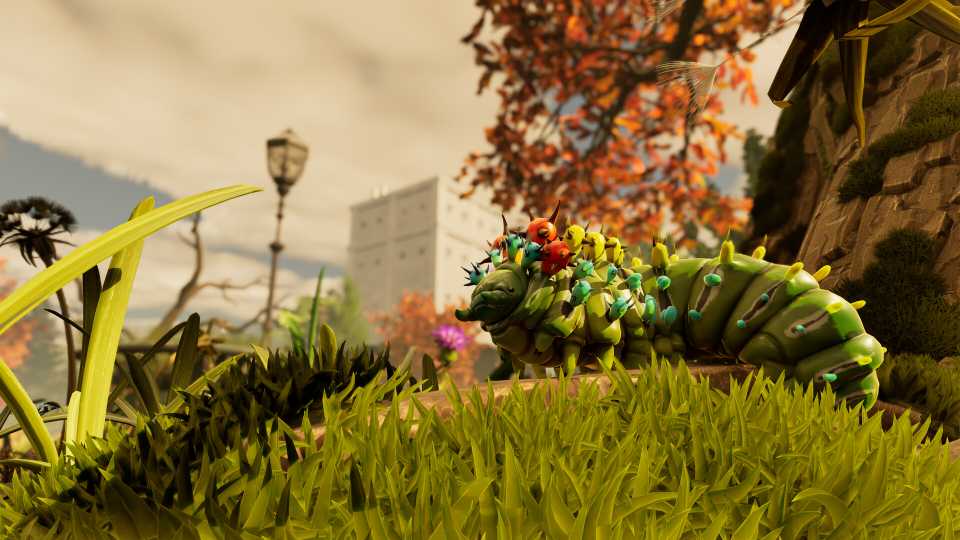
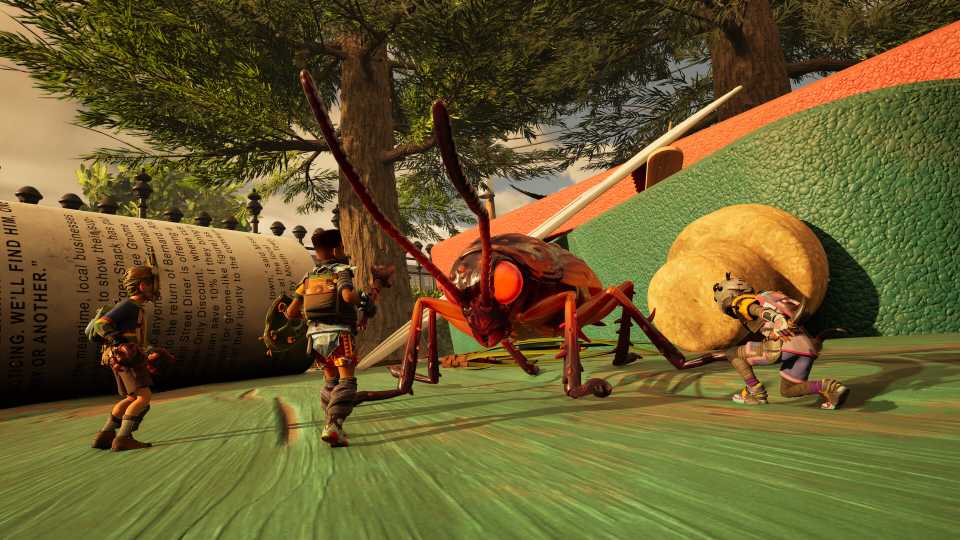
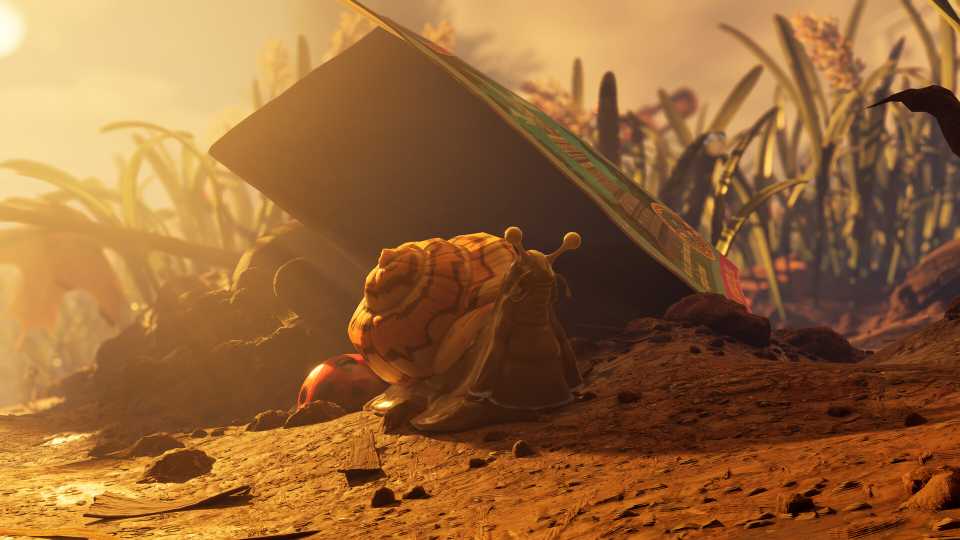
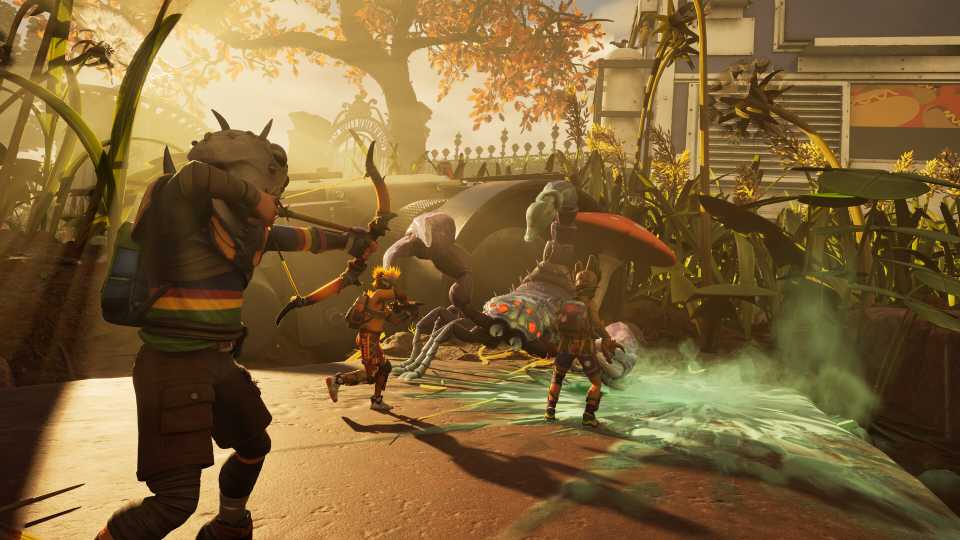
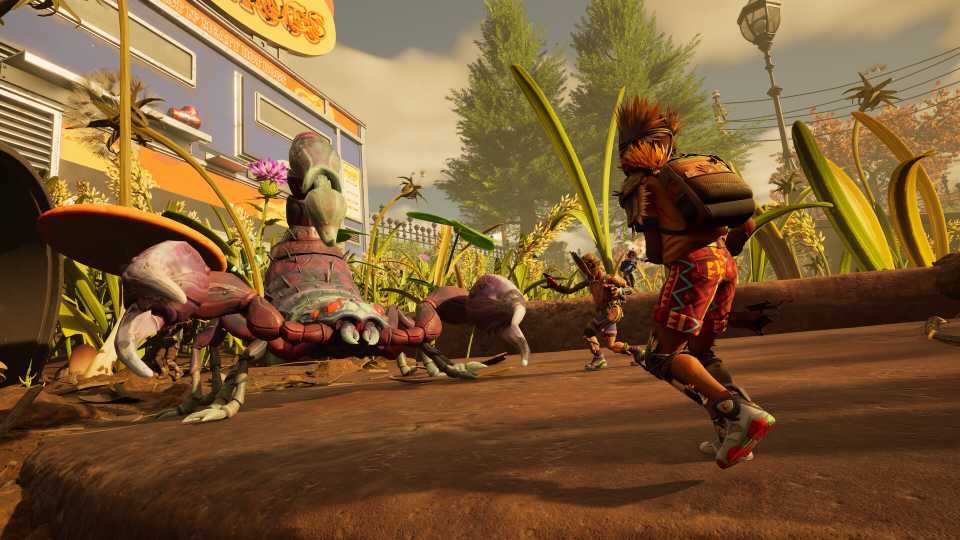
Grounded 2 will have players face all sorts of dangerous bugs throughout the park. Many bugs will attack you on site, so be sure to wear armor such as Acorn Armor, making exploration dangerous no matter where you're going. Resource management is also an important part of the game, and dying can cause you to lose a lot of the things you've found.
Dying isn't the end of the world, and you will respawn, but it can still set you back in a few ways. Here's everything that happens after you die, along with how you can track down and recover any lost items to make sure you don't lose anything valuable you found.
What Happens When You Die in Grounded 2?

When you die, you can choose either to load a previous save or choose where to respawn:
- Your last respawn point.
- The nearest outpost.
- The Onboarding Facility (where you started the game)
. When you die, all armor you were wearing will lose a lot of durability, and will need to be repaired sooner rather than later. Dying will also have you drop all materials you are currently holding in your inventory.
You can set your spawn point at any place you can sleep, such as a Lean-to.
All the materials in your inventory drop, but anything crafted will still be in your inventory, such as weapons, armor, cooked foods, and bandages, to make sure you can heal on your trip to pick up your dropped materials. Dying also resets your hunger and thirst, but only to about 3/4 of the way full. While all your materials are dropped, they can be found and recovered, so nothing is ever truly lost.

Grounded 2: All Mutations & How to Unlock Them
Mutations are passive abilities in Grounded 2 that players will gradually unlock by doing certain actions, here's how to unlock all of them.
How to Find Your Backpack in Grounded 2
Wherever you die, your character drops a backpack that is full of all the materials that were dropped. Its location is shown by a backpack icon that is on the screen as long as you look in the direction it is located, along with it appearing on the map. This icon can be hidden if you don't want to recover your backpack for any reason.
Backpacks never despawn or disappear, so you can go back and get them whenever is best for you.
If you have enough slots in your inventory when you interact with a dropped backpack, all the materials inside, especially the rare ones used to upgrade your omni-tool, will be automatically put in your current inventory. If you don't have enough slots, both menus will open up, and you'll have to pick and choose which items you want to take and leave, but you can always come back later for the rest.



- Released
- July 29, 2025
- ESRB
- Teen / Violence, Blood
- Developer(s)
- Obsidian Entertainment
- Publisher(s)
- Xbox Game Studios
- Engine
- Unreal Engine 5