


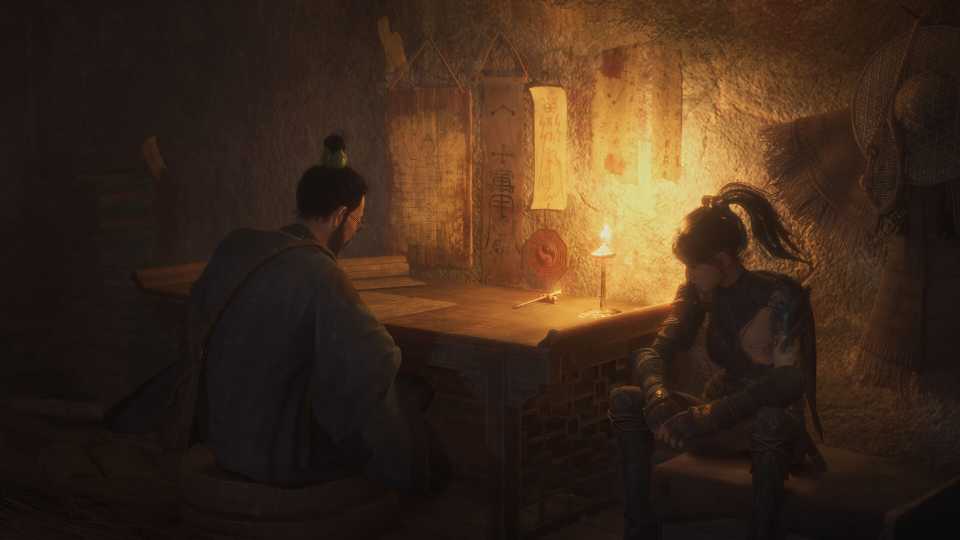
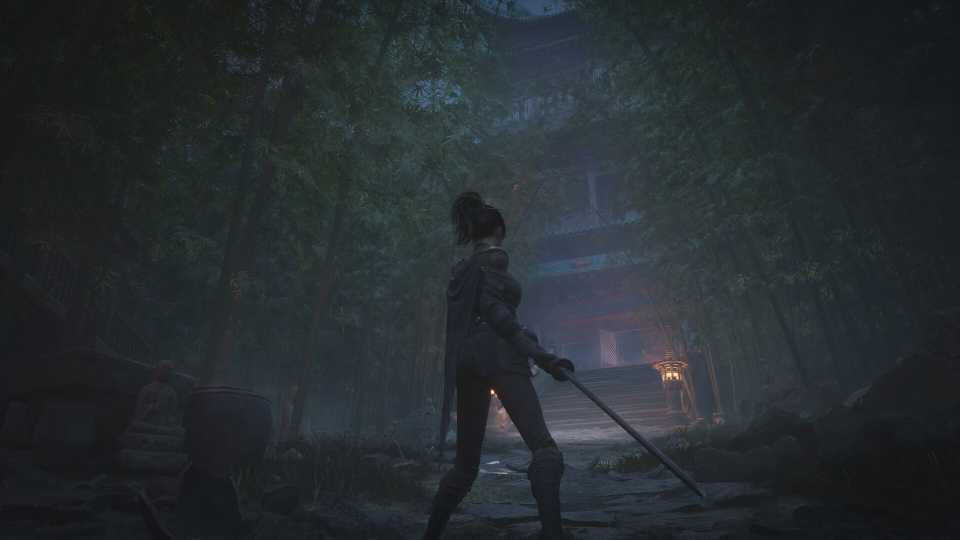
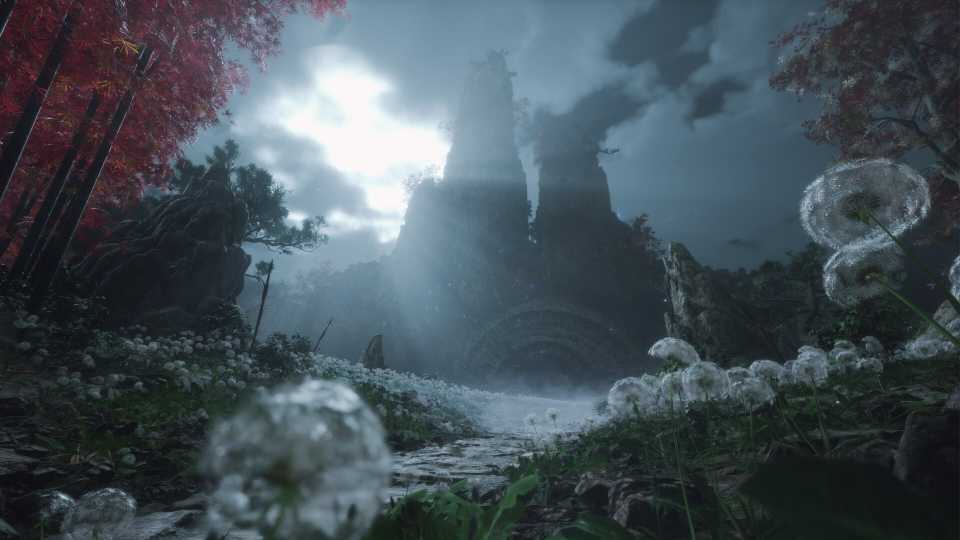
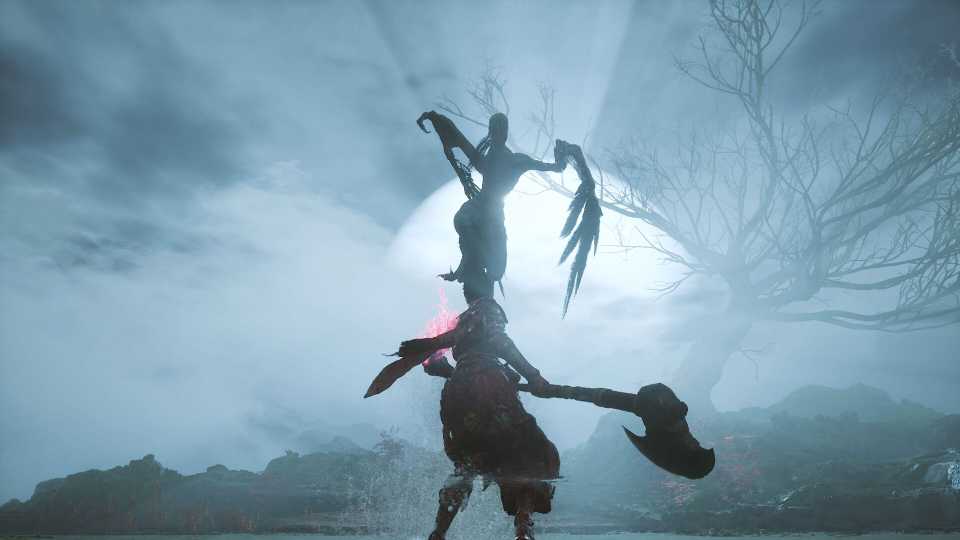
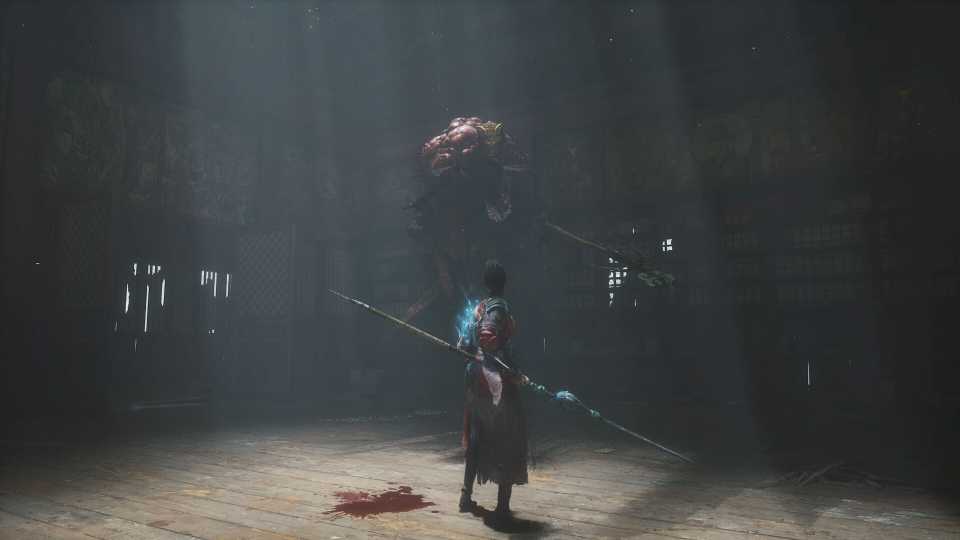
Wuchang Fallen Feathers is based on the newest version of Unreal Engine 5, which breathes life into the land of Shu during the late Ming Dynasty. Even though these visuals are great, they're taking a toll on PCs as players have been experiencing performance issues with the game. From in-game stuttering to low FPS, there are a host of issues that are caused by the game's bad performance. However, this guide aims to list down the best settings that you can try in the graphics menu to optimize the game's performance.

Wuchang Fallen Feathers: Where to Bring the Golden Bowl
Players will find a Golden Bowl in the Master Raider's room that they need to give to Wu Gang, here's where to find him after the Lightzen Temple.
Best Graphics Settings for Wuchang Fallen Feathers on PC
Players can tweak quite a lot of graphics settings for Wuchang Fallen Feathers to adjust the performance of the game according to their PC. These settings are mainly divided into two sections: Graphics Settings and Advanced Graphics Settings. While the former contains mainly the display settings that will tweak how the game functions on your hardware, the latter will determine the quality of the visuals.
So, without any further ado, let's take a deep dive into the best settings for Wuchang Fallen Feathers and make them optimized for your PC.
|
Type |
Setting Name |
Best Preset |
Notes |
|---|---|---|---|
|
Graphics Settings |
Display |
Select your primary monitor here. |
- |
|
HDR |
On |
You can try enabling HDR on a capable display to enhance the dynamic range of visuals. However, if configured incorrectly, this can make the picture overblown with brightness. |
|
|
Display Mode |
Borderless Windowed |
There isn't a fullscreen option, but Borderless Windowed does a good job of maintaining performance. |
|
|
Resolution |
Native |
Select your native resolution here for the best clarity. It's recommended to use an upscaler instead of opting to run the game at a lower resolution. |
|
|
Lock FPS |
Unlimited |
- |
|
|
V-Sync |
Off |
Will increase input latency slightly. |
|
|
Low Latency Mode |
Enable if available |
- |
|
|
Overall Quality |
Custom |
We'll be tuning in all the visual settings for Wuchang Fallen Feathers, so no need to use a static preset. |
|
|
Motion Blur |
Off |
No need to turn on Motion Blur as it tampers with environmental awareness during combat or exploration. However, it's a personal choice, so feel free to experience it for yourself. |
|
|
Depth of Field |
High |
Adds a Bokeh effect when focusing on objects. |
|
|
Advanced Graphics Settings |
Oversampling Resolution |
55% |
Determines the resolution for the AI upscaler to target. 55% is a good performance target. |
|
Super-Resolution Oversampling |
DLSS |
DLSS will be the go-to option for Nvidia RTX GPUs. Since there's a lack of FSR support at the time of writing, others will have to use TSR, which is a demanding option. |
|
|
Frame Generation |
On |
If your GPU supports Frame Generation, make sure to use it to increase FPS. |
|
|
Sharpening |
Personal Preference |
- |
|
|
Post-Processing |
High |
Handles volumetric effects in-game. |
|
|
Shadow Quality |
Mid |
Shadows are one of the most taxing visual settings. Mid is a sweet spot between performance and graphical quality. |
|
|
Effects Quality |
High |
Mostly handles in-game effects production like explosions and enemy attacks. Try decreasing it if you're experiencing FPS drops in crowded areas. |
|
|
Viewing Distance |
High |
Using the high option may decrease performance, but it'll significantly reduce texture pop-in issues. |
|
|
Texture Quality |
GPU VRAM Dependent |
6GB: Low, 8GB: Mid, 12GB+: High |
|
|
Vegetation Quality |
Mid |
Outdoor areas in Wuchang Fallen Feathers have dense vegetation in the environment which may reduce performance. Mid is the way to go. |
|
|
Volumetric Fog |
Low |
Another taxing setting that will reduce your FPS in foggy sections of the game. Try increasing it if you have performance to spare after the other optimization, as it looks amazing. |
|
|
Global Illumination |
Mid |
Another highly taxing setting that directly handles lighting in various scenes. Mid seems to be the best option here. |
|
|
Ambient Occlusion |
High |
It does not tax FPS much, and low take the depth out of dimly lit indoor scenes. |
These were all the best settings for Wuchang Fallen Feathers on PC that you should use to optimize its performance. After testing the settings above on a PC with an i9-14900HX CPU, Nvidia RTX 4080 GPU, and 32GB of RAM, the performance averaged around 80-90 FPS. However, turning off DLSS and Frame Generation lowered the performance to the 55-60 FPS range, which is still an improvement over the default high-ultra settings preset.


Wuchang: Fallen Feathers



-
 OpenCritic Reviews
- Top Critic Avg: 76 /100 Critics Rec: 70%
- Released
- July 24, 2025
- ESRB
- Mature 17+ / Blood and Gore, Language, Suggestive Themes, Violence, In-Game Purchases
- Developer(s)
- Leenzee
- Publisher(s)
- 505 Games







WHERE TO PLAY






- Engine
- Unreal Engine 5
- Number of Players
- Single-player
- Steam Deck Compatibility
- Unknown
- PC Release Date
- July 24, 2025
- Xbox Series X|S Release Date
- July 24, 2025
- PS5 Release Date
- July 24, 2025
- Genre(s)
- Action RPG, Soulslike, Hack and Slash
- Platform(s)
- PlayStation 5, Xbox Series X, Xbox Series S, PC
- File Size Xbox Series
- 60.06 GB
